
These are the platforms built for a marketing department: multi-stage review, video and web proofing, integrations with the project tools a team already lives in, and in some cases regulated audit trails. They are good at it, and priced for it — the entry points on this page run from $15 a member to $12,000 a year.
We make a proofing tool too, but not this kind; ours is for print and sign shops, and it is not in the list below. That makes us a fair referee for this category and a biased one for the next, which is why the prices here come from the vendors' own pages, with the date they were checked, and the pros and cons from what reviewers repeat on Capterra. The picture under each name is the vendor's own page on that date.
For small teams and freelancers — GoVisually, Ashore, ReviewStudio — see design proofing software. For print, sign and apparel shops, see artwork approval software.
Four things to check before the demo call
1. Which price is on the card. Ziflow, Filestage and Frame.io show the annual price by default. Paying month to month costs up to a quarter more: Ziflow's Starter is $199 a month billed yearly and $249 billed monthly. Compare like with like.
2. Who counts as a user. Most platforms include a set number of internal seats and let external reviewers in free. Some cap the reviewers too — Aproove includes 25 guest users on its entry plan. If your approvers are outside the company and numerous, read the guest line before the feature list.
3. Whether a reviewer needs an account. Guest links are the norm. Two exceptions worth knowing: PageProof creates an account for a reviewer when they open a proof, and Cway asks reviewers to sign in with their email.
4. How many stages, and which formats. Stage count is how several of these tiers differ. If you proof video and live websites as well as PDFs, the list narrows quickly; if you proof only print artwork, most of what you would be paying for is unused.
The proofing platforms
Ziflow
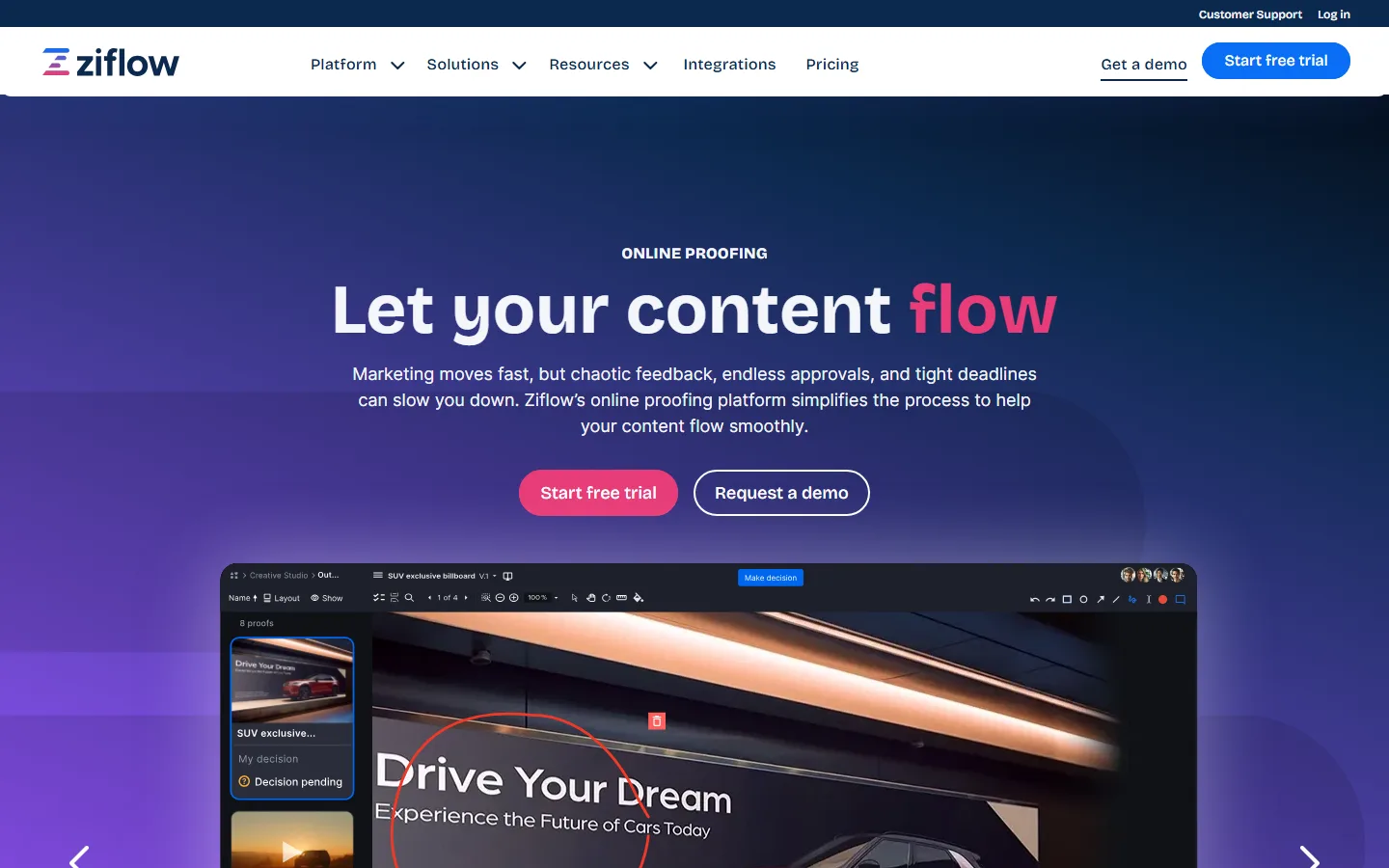 Ziflow's home page, as it looked on 29 September 2026.
Price: free Personal plan (2 users, 2 GB, one workflow stage, unlimited reviewers). Starter — also labelled Standard — $199 a month billed yearly or $249 monthly, 15 users and 1 TB. Business — also labelled Pro — $329 yearly or $399 monthly, 20 users. Enterprise on request (checked 2026-09-29 on Ziflow's pricing page).
Pros:
- The broadest format support in the category — PDF, images, video and live websites, over a thousand file types.
- Unlimited guest reviewers; making them sign in is an optional setting, not a requirement.
- Reviewers credit easy markup that clients pick up quickly, and responsive support.
Cons:
- The recurring complaint is a steep learning curve and an interface some call overwhelming.
- Expensive for small teams once extra seats are counted.
- Workflow setup takes time to learn.
Capterra: 4.8 from 417 reviews. We go deeper on the tiers in Ziflow pricing.
Filestage
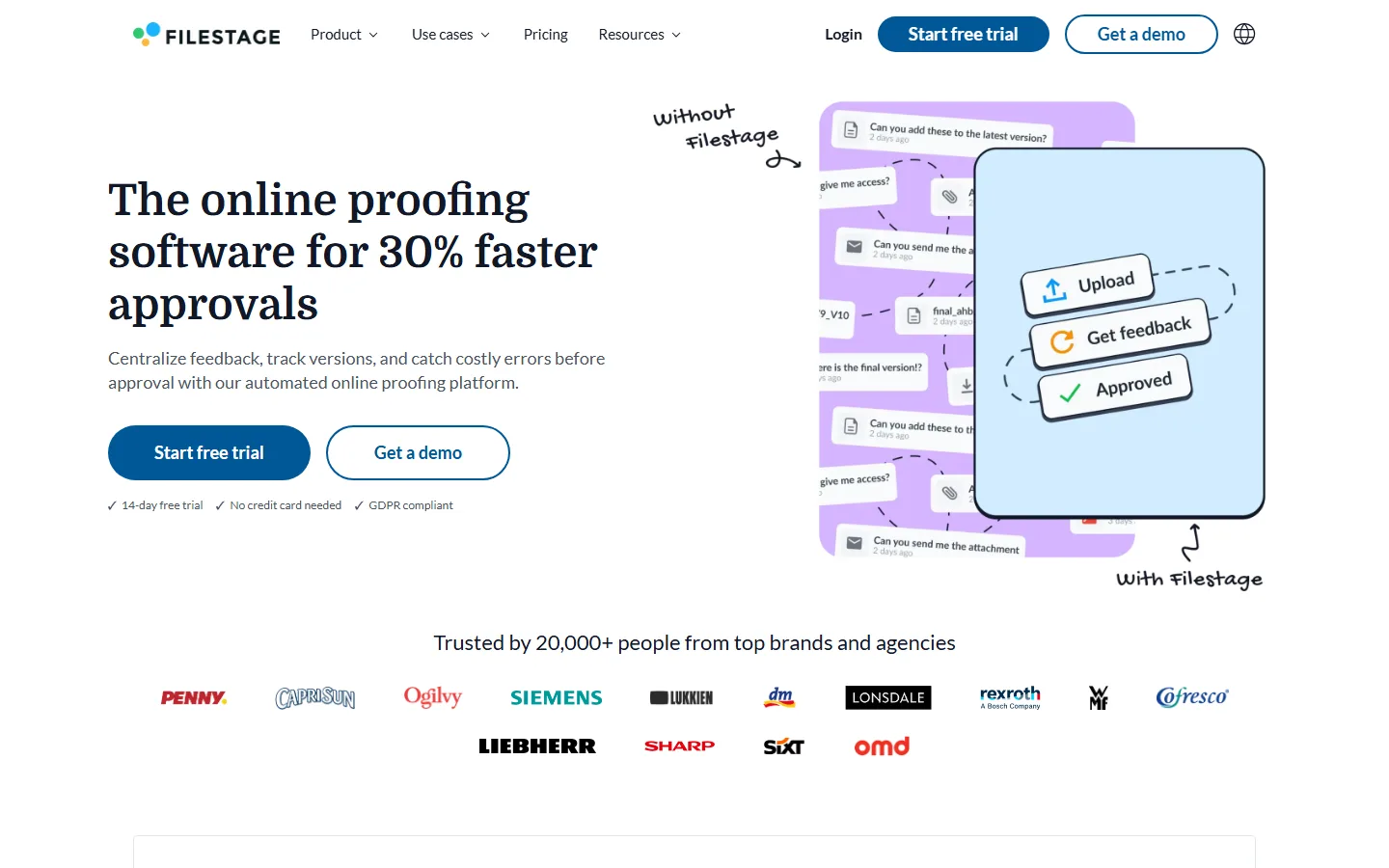 Filestage's home page, as it looked on 29 September 2026.
Price: free plan (10 members, 1 active project, 5 new files a month, 2 GB). Starter €199 a month billed yearly or €249 monthly, 10 seats and 1 TB. Business €329 yearly or €399 monthly. Euros only (checked 2026-09-29 on Filestage's pricing page).
Pros:
- Intuitive, with little to learn for the team or the client.
- Comments go directly on the file, with unlimited reviewers who need no account.
- Responsive support.
Cons:
- No mobile apps.
- Reviewers say a recent redesign made some features harder to find.
- Project monitoring and notification settings are thin, and some call it costly for a small budget.
Capterra: 4.7 from 102 reviews. The two side by side: Ziflow vs Filestage.
PageProof
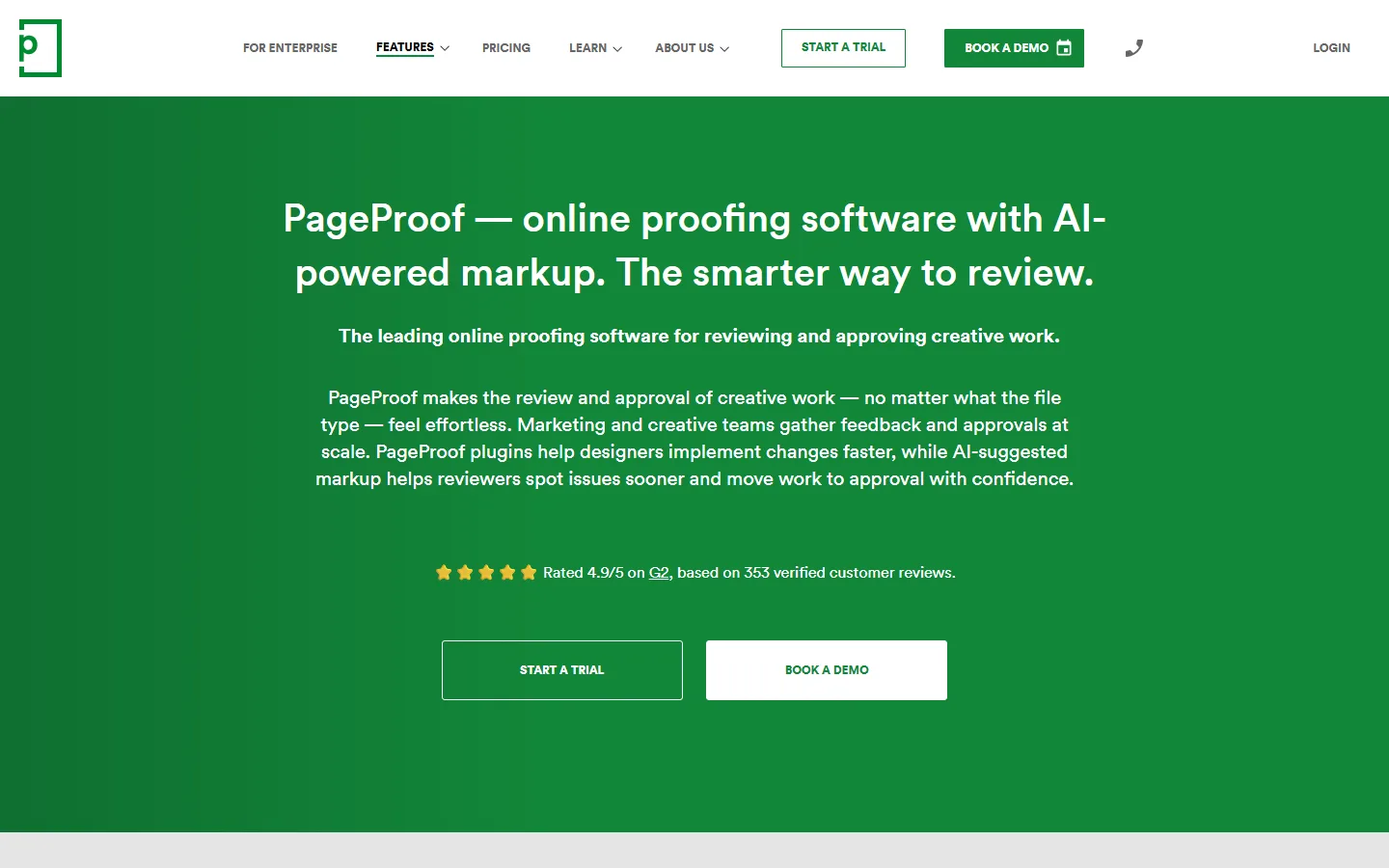 PageProof's home page, as it looked on 29 September 2026.
Price: Team $249 a month or $2,999 a year, flat, with unlimited reviewers, proofs and storage. Team Plus $499 a month or $4,999 a year, adding SSO. No free plan; trial on request (checked 2026-09-29 on PageProof's pricing page).
Pros:
- A flat price with no per-seat charges.
- A clear, organised approval flow with every proof and version archived.
- Very wide format support, from PDFs to HTML5 banners and email.
Cons:
- Its help centre says reviewers need no account, but opening a proof creates one for them — and one reviewer complains of clients "forced to login".
- Reviewers report lag and stalled uploads at busy times.
- Reporting is limited below Enterprise, and comments display newest-first.
Capterra: 4.8 from 52 reviews.
Aproove
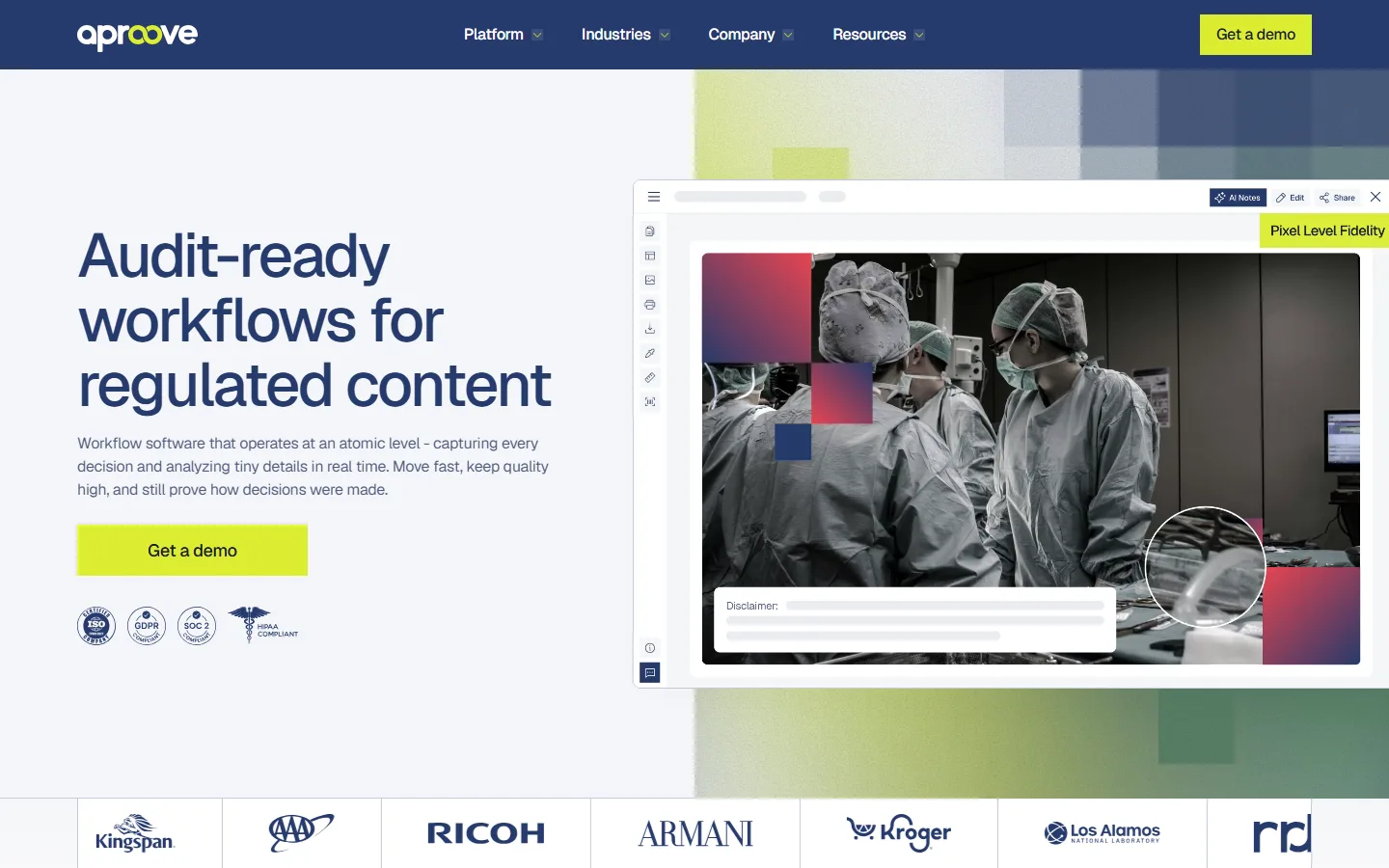 Aproove's home page, as it looked on 29 September 2026.
Price: Team $12,000 a year, billed annually, with 5 users (extra users $35 each a month) and 25 guest users. Multi-Team $20,000 a year. Enterprise on request; demos only (checked 2026-09-29 on Aproove's pricing page).
Pros:
- Highly configurable workflow automation for regulated teams — insurance, pharma, laboratories.
- Over 180 file types with pixel-level review.
- A strong customer-success team, per its reviews.
Cons:
- The highest published entry price on this page.
- Guest reviewers are capped on the lower tiers.
- Setup requires baseline training.
Proofing inside a bigger suite
Wrike
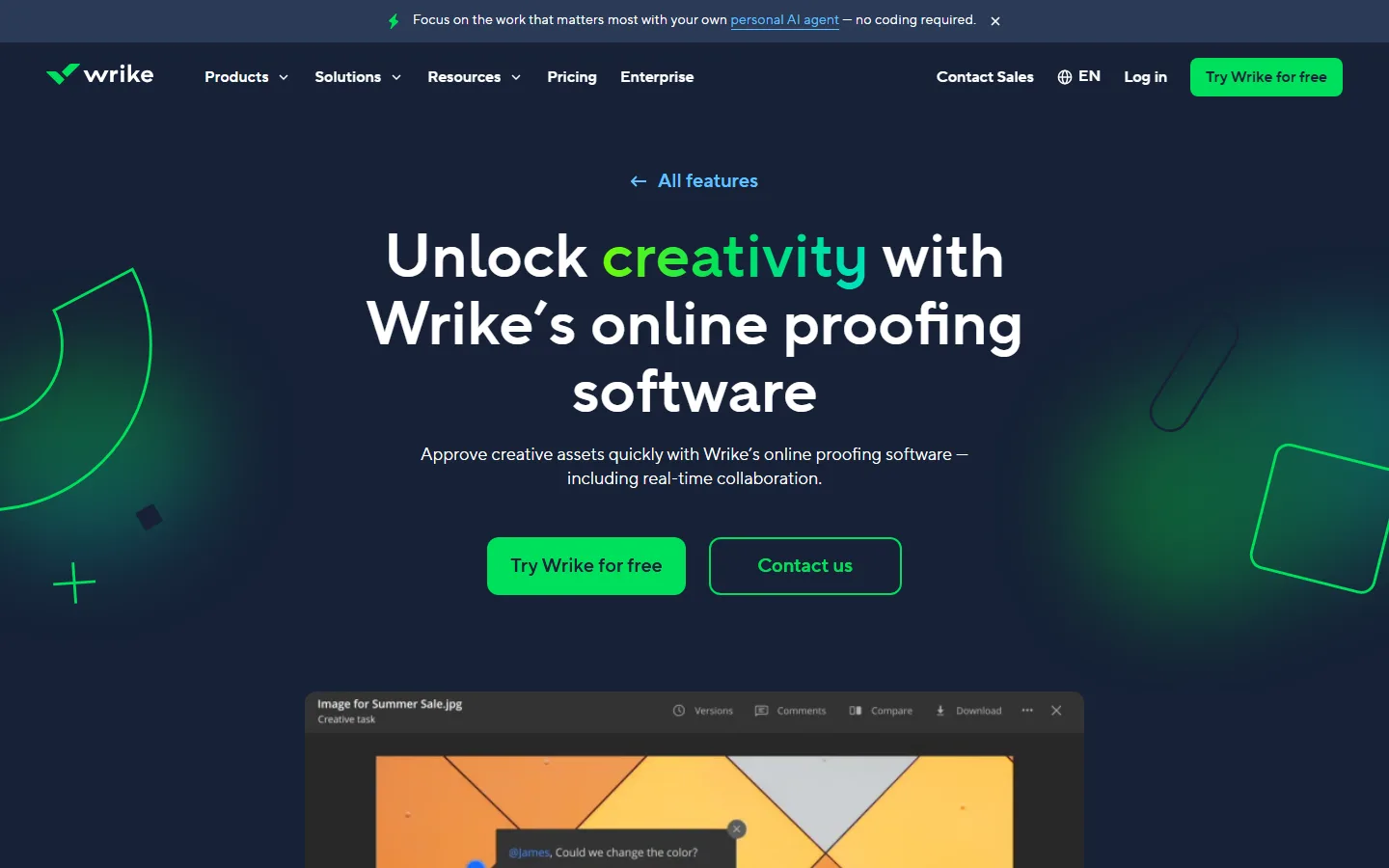 Wrike's online proofing page, as it looked on 29 September 2026.
Price: proofing is only on Business and above — $25 per user a month billed yearly, from 5 users, so at least $1,500 a year. The Free and Team plans do not include it (checked 2026-09-29 on Wrike's pricing page).
Pros:
- Proofing sits next to the tasks and projects it belongs to.
- Guests review through an email link without an account.
- Customisable approval workflows.
Cons:
- Guest review covers images and PDFs only; video and web proofing are for logged-in users.
- A steep learning curve and a dense interface, reviewers say.
- Advanced features are locked into the top tiers.
Capterra: 4.4 from over 3,000 reviews, for Wrike as a whole.
Frame.io
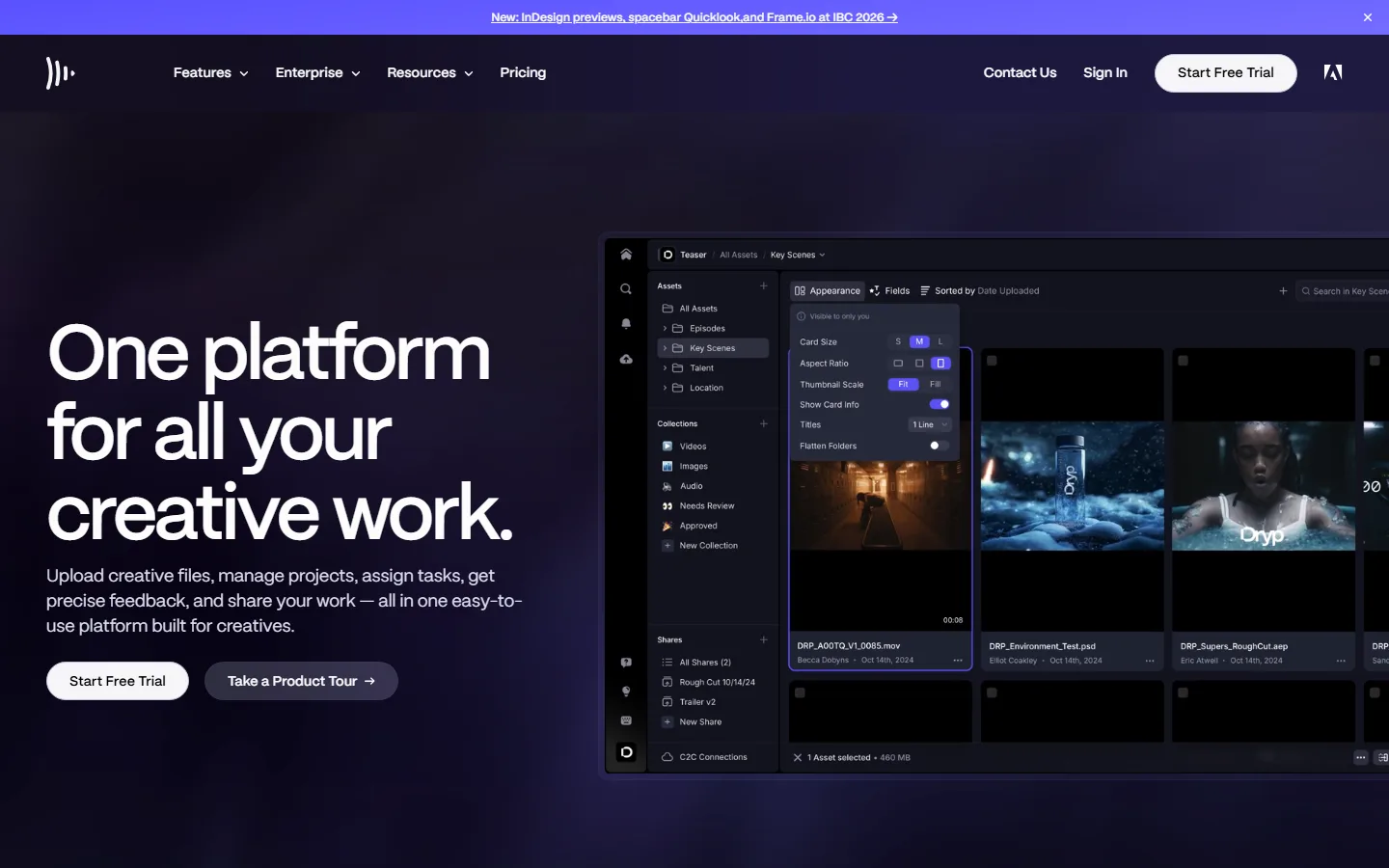 Frame.io's home page, as it looked on 29 September 2026.
Price: free for 2 members and 2 GB. Pro $15 per member a month, or $156 a year, up to 5 members. Team $25 per member a month, up to 15 (checked 2026-09-29 on Frame.io's pricing page).
Pros:
- Frame-accurate video comments that land on the editor's timeline in Premiere Pro.
- Share links need no signup.
- Now handles multi-page PDFs, images, Office files and PSD/AI as well as video.
Cons:
- Per-member pricing adds up quickly.
- Reviewers report slow support.
- Video first: a print team uses a fraction of it.
Capterra: 4.6 from 80 reviews.
Adobe Workfront Proof is being retired. Adobe stopped renewing standalone Workfront Proof licences, and Workfront customers now review in Frame.io instead — see Frame.io's transition guide. Proof gets no further development. If you are on it, the move to Frame.io is the path Adobe has laid out; the gaps Frame.io itself lists include measurement tools and parallel approval stages.
Packaging artwork platforms
For consumer-goods brands managing labels and packs across many SKUs, where approval comes with compliance checks.
Cway
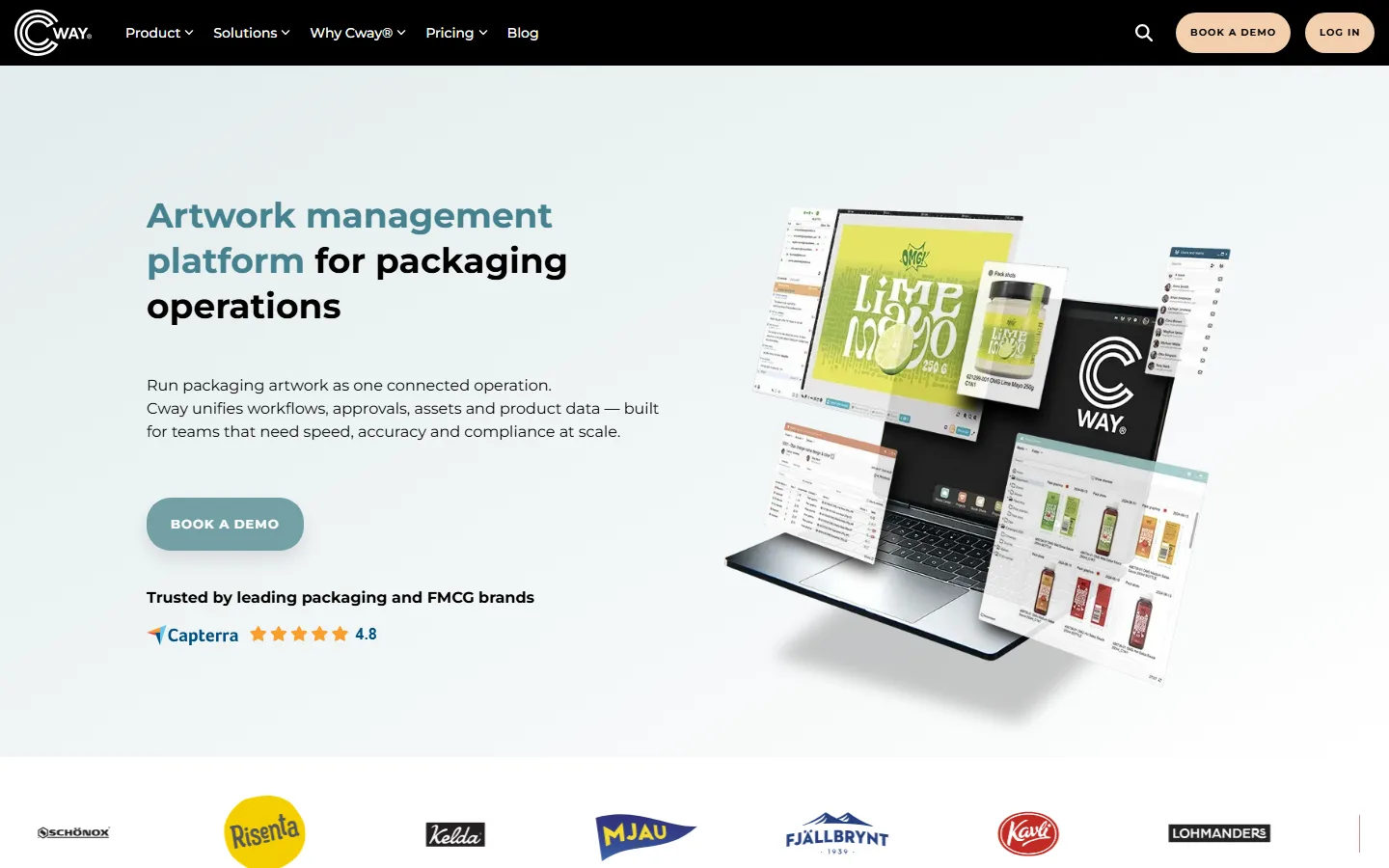 Cway's home page, as it looked on 29 September 2026.
Price: Starter from €450 a month (200 GB), Pro from €1,200, Enterprise from €3,000, with overage charges for storage, traffic and SKUs (checked 2026-09-29 on Cway's pricing page).
Pros:
- Easy to use, per its reviewers.
- Version comparison and fast approvals for packaging artwork.
- Everything for a pack in one place.
Cons:
- Reviewers join free but sign in with their email each time — one reviewer calls the login clunky.
- Some features were still missing after its relaunch.
- Email notifications and change history are weak.
Capterra: 4.8 from 25 reviews.
Artwork Flow
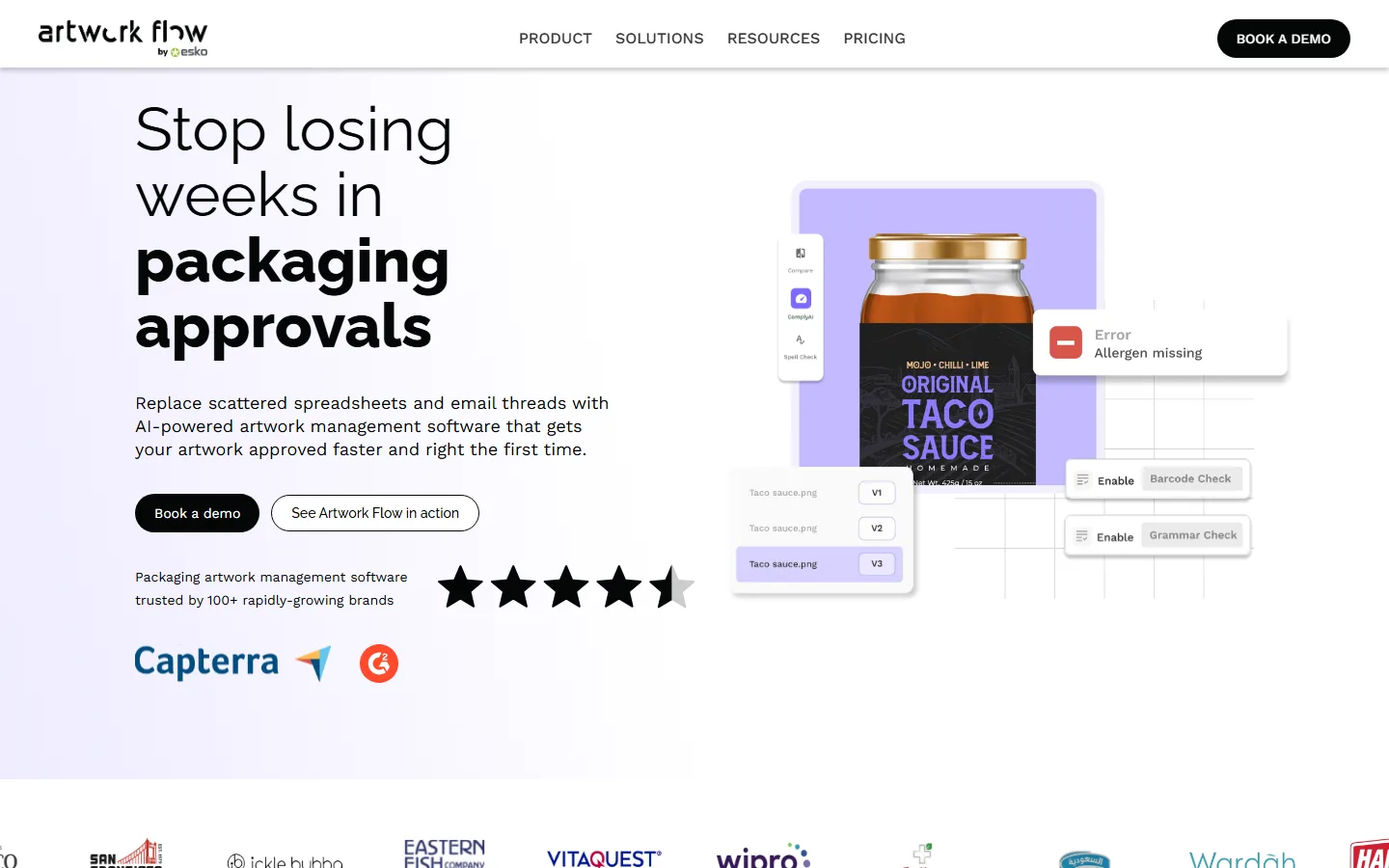 Artwork Flow's home page, as it looked on 29 September 2026.
Price: free for 3 users and 20 reviews a month. Paid tiers on request; the site says it starts at $8,000 a year (checked 2026-09-29 on Artwork Flow's pricing page).
Pros:
- AI compliance checks for allergens, barcodes and regulatory text.
- Unlimited reviewers on every plan.
- Training and support are well reviewed.
Cons:
- Building workflow templates takes time.
- Reviewers say the AI checks work better on PDFs than on images.
- No public price for the paid tiers.
Capterra: 4.5 from 25 reviews.
Side by side
| Platform | Free plan | Entry paid (monthly billing) | Entry paid (annual billing) | Priced by |
|---|---|---|---|---|
| Ziflow | 2 users, 2 GB | $249/mo, 15 users | $199/mo | Tier (seats) |
| Filestage | 1 active project | €249/mo, 10 seats | €199/mo | Tier (seats) |
| PageProof | — | $249/mo | $2,999/yr | Flat |
| Aproove | — | — | $12,000/yr, 5 users | Tier + users |
| Wrike (Business) | No proofing | — | $25/user/mo, min. 5 | User |
| Frame.io | 2 members, 2 GB | $15/member/mo | $156/member/yr | Member |
| Cway | — | from €450/mo | — | Usage |
| Artwork Flow | 3 users | Quote | from $8,000/yr | Volume |
All figures from the vendors' own pricing pages, checked 2026-09-29, before tax. Verify before you buy, and check what a tier is called as well as what it costs: Ziflow's page labels one plan both Starter and Standard.
Retired and retiring
Older comparison lists still recommend tools that are gone or going:
- Adobe Workfront Proof — being folded into Frame.io, as above.
- Deltek ConceptShare — its product page now redirects to Deltek's general catalogue; it no longer appears to be sold.
- QuickReviewer — closing its free accounts on 30 September 2026 and the platform on 30 October 2026, with no data migration to its successor, per its own notice. More in design proofing software.
And one that is often listed but is not a proofing tool: Hightail is file transfer with light review, and reviewers call its proofing primitive.
Which one, briefly
An agency proofing video, web and print for many clients. Ziflow or Filestage; Ziflow if the workflow is complex, Filestage if the clients are impatient.
A security-sensitive team that wants one flat bill. PageProof.
A regulated team — pharma, insurance — that needs configurable routing. Aproove, and budget for it.
A team already living in Wrike or Adobe. Use the proofing you already pay for, and check the plan includes it.
A consumer-goods brand managing packaging. Cway or Artwork Flow — or Esko WebCenter, which we cover with the print tools.
A team of three proofing PDFs. None of these. The platforms charge for stages and formats you would not use; start with design proofing software or, for a print or sign shop, artwork approval software.