
Search for print shop software and you will be sold an MIS — a system that quotes, schedules, tracks jobs, costs them and invoices, priced for a shop with a production manager whose job it is to keep the data in it honest.
Under about ten people, that is usually the second or third thing you need rather than the first. What follows is the whole stack by category, what each part is genuinely for, and the order that hurts least. No prices: vendors change them, most of this category quotes rather than publishes, and a number typed here would be wrong within months.
We make one of the things on this list. That entry is marked, and you should read it more sceptically than the rest.
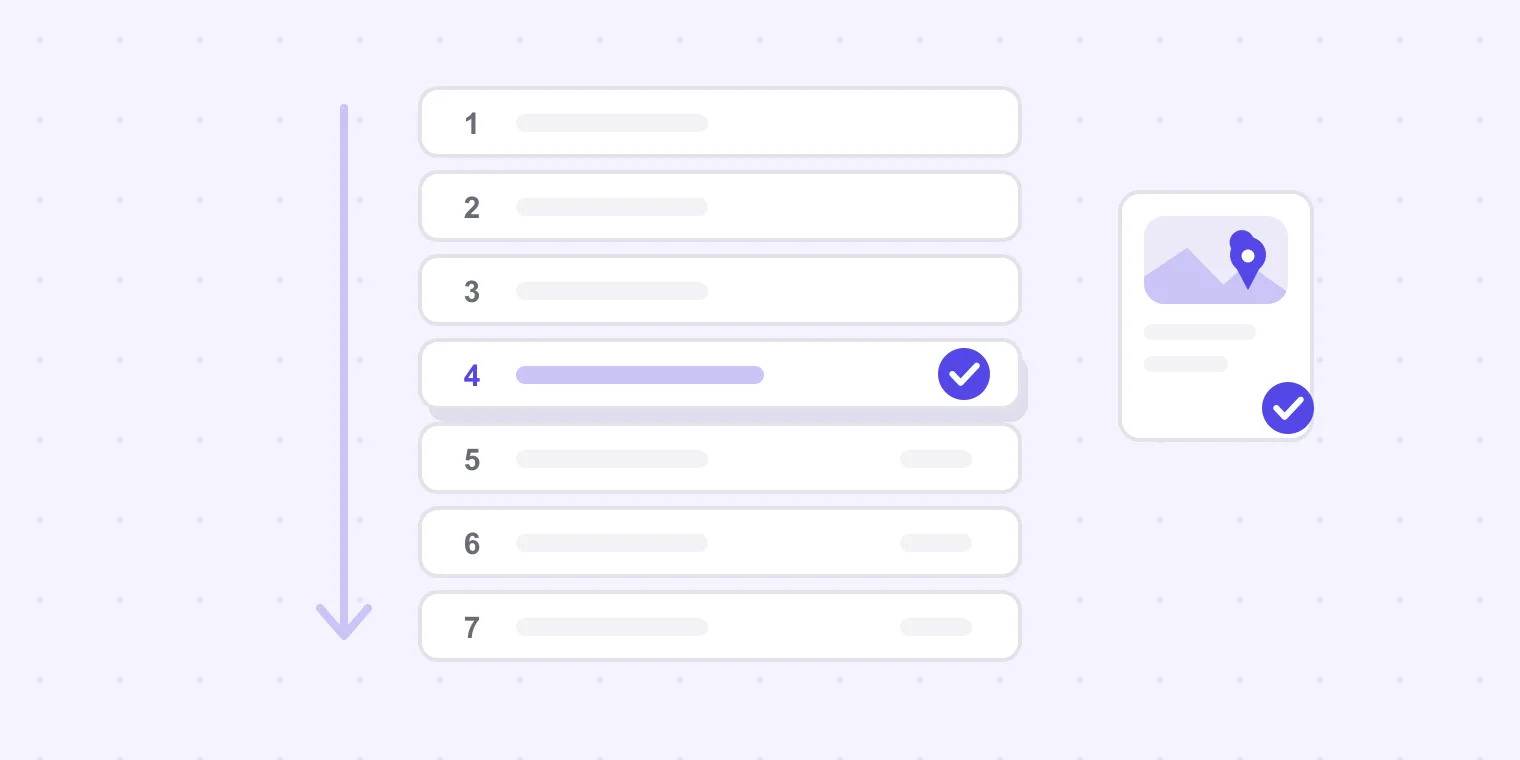
The seven categories
1. Design and layout
Adobe Creative Cloud is the default and the interchange standard — clients send you InDesign and Illustrator files and expect you to open them. Affinity is a genuinely capable one-off-purchase alternative, and plenty of shops run it happily; the friction is not capability, it is what arrives in your inbox from other people.
Needed by: everyone, day one.
2. Preflight and prepress
The automated check that a file can be printed: fonts embedded, images resolved, colour spaces sane, bleed present. Enfocus PitStop is the long-standing tool here, and most RIPs and workflow systems include some preflighting of their own.
Preflight answers a different question from proofing, and shops conflate them constantly. Preflight asks whether the file will print correctly. Proofing asks whether the right thing is on it. Our proof approval checklist carries a print-ready list for the manual version.
Needed by: anyone taking customer-supplied artwork, which is everyone.
3. RIP and output
The software that turns your file into what the device actually prints — separations, screening, colour management, nesting and cut paths. Onyx, Caldera, SAi Flexi and Wasatch are the names you meet in wide-format and sign work; press and digital devices usually arrive with a vendor RIP.
This is the one category where the software is chosen by the hardware. You do not really pick a RIP; you pick a press and then pick from what drives it well.
Needed by: anyone who outputs in-house.
4. Proofing and customer approval
Getting artwork in front of the customer, collecting their changes, and recording the yes against a specific version. Almost everyone starts by doing this with email attachments, and email is genuinely fine until a job goes to three rounds with two people commenting.
Ours is here — Proofavo: one link, comments pinned to the artwork, one current version, and an approval bound to the exact file with a downloadable record and a SHA-256 fingerprint. Flat workspace pricing, and the customers approving never cost a seat. It does one loop and nothing else: no scheduling, no quoting, no RIP. Alternatives across the category are in our roundup of online proofing software.
Needed by: anyone whose reprints come from version confusion rather than from machines.
5. Estimating and quoting
Turning a specification into a price consistently, so the answer does not depend on who picked up the phone. Small shops start in a spreadsheet, and a good spreadsheet is genuinely competitive up to a point — the point being when two people quote and get different numbers for the same job.
Needed by: shops where more than one person quotes.
6. MIS / print ERP
The system of record: quotes, job tickets, scheduling, materials, costing, invoicing. Tharstern, PrintVis, PrintSmith Vision and Ordant sit in this space for commercial print; shopVOX and Cyrious are common in sign and wide-format shops.
An MIS pays off when you have enough jobs that nobody can hold them in their head, and enough discipline that the data going in stays true. Bought before either condition, it becomes an expensive second place to type things that are already written on the job bag.
Needed by: roughly from six to ten people upward, or earlier if job volume is high and margins are thin.
7. Web-to-print and online ordering
A storefront that takes specifications, artwork and payment without a phone call. Aleyant Pressero and OnPrintShop are established options, and some MIS platforms include a storefront.
The question to answer before buying: are you losing orders because customers cannot order out of hours, or are you losing time because ordering takes a conversation? The first justifies a storefront; the second is often fixed by a better quote template.
Accounting sits alongside all of this and is usually whatever your accountant already uses. It is not a print decision.
The order that hurts least
One to three people. Design tools, preflight, whatever RIP your device came with, a quoting spreadsheet you trust, and a way to get approvals that does not lose the version. That is a complete stack, and the approval layer is the part most shops under-serve — because it is the one whose failures arrive as reprints rather than as visible inefficiency.
Four to ten people. The pain moves to coordination: who is quoting what, which job is where, what was promised. This is where estimating leaves the spreadsheet and where an MIS starts earning its cost. Add it when you can name the specific question you cannot currently answer.
Sign, wrap and wide-format shops follow the same order with different names in categories 3 and 6 — see sign shop software for what changes when the deliverable gets installed rather than delivered.
The two most shops buy too early
An MIS, before there is volume for it. It is the category with the loudest marketing and the longest implementation, and in a five-person shop it frequently automates coordination that two people were doing perfectly well by talking.
A storefront, before there is demand for it. A web-to-print portal that three customers use is a maintenance job with a login page.
The thing bought too late, almost universally, is the approval layer — because email appears to work right up until the afternoon it costs you two thousand menus. That is a self-interested observation from a vendor of approval software, so weigh it accordingly; the underlying arithmetic is still that reprints are the most expensive routine failure in a small shop, and the cheapest to engineer out.
For how the approval part fits a shop's day, see proofing for print shops, or run the loop in the live demo.