
Below the agency platforms sits a crowded shelf of proofing tools priced for one to ten people: $10 to $60 a month, a free plan more often than not, and a client link that needs no account. They look alike on their pricing pages. They stop looking alike on the day a third person joins, when the per-user tools and the flat-price tools part ways.
This page covers thirteen of them, including ours. We are one of the vendors, so treat our entry with suspicion; the prices of the others come from their own pricing pages with the date they were checked, and the pros and cons from what reviewers repeat on Capterra. The picture under each name is the vendor's own page on that date; under ours it is the review page your client would actually see, since the page you are reading is already our own.

Bigger team, video and multi-stage workflows? See creative approval software. A print, sign or apparel shop? See artwork approval software.
What a team of three actually pays
The first card on a pricing page is usually one person, billed yearly. This is the same tool for three people, billed monthly, at list price:
| Tool | Plan | Three people, monthly billing | Priced by |
|---|---|---|---|
| ExpressReview | Express | $29.97 | User |
| Picflow | Pro + 1 seat | $39 | Seat |
| WeProof | Starter (5 seats) | €39 | Flat up to 5 |
| ReviewStudio | Pro | $45 | User |
| ProofHub | Essential | $50 | Flat, unlimited users |
| Ashore | Standard (3 users) | $57 | Tier + user |
| GoVisually | Lite | $60 | User |
| Approval Studio | Lite (5 users) | $65 | Flat up to 5 |
| MarkUp.io | Pro | from $79 | Usage, unlimited users |
| edoro | Starter Kit (5 members) | $95 | Flat up to 5 |
| zipBoard | Team | from $99 | Assets |
| GoProof | Pro (Connect stops at 2) | $329 | Tier (users) |
| Proofavo | Starter | $29.90/month | Flat, unlimited people |
Checked 2026-09-29 against each vendor's own page, before tax. Annual billing is cheaper on most of them, by roughly 10 to 25%. Reviewers are free on every tool in the table.
Run the same sum for the team you expect to be in a year, not the one you are today. The per-user tools are cheapest for one person and fall behind the flat ones as people join.
The free plans
Seven tools have a free plan you can run a real proof on:
- ReviewStudio — unlimited users, but three active reviews and 5 GB in total.
- WeProof — two seats, one project, 5 GB.
- Ashore — one user, 30 files a month, 1 GB.
- Picflow — one seat, 2 GB.
- ExpressReview — one active file of up to 100 MB, three versions.
- Proofavo — three active projects for one person.
- Ziflow — two users and 2 GB, covered with the agency platforms.
GoVisually, Approval Studio, GoProof, ProofHub, MarkUp.io and zipBoard offer trials instead of free plans.
The tools
Proofavo
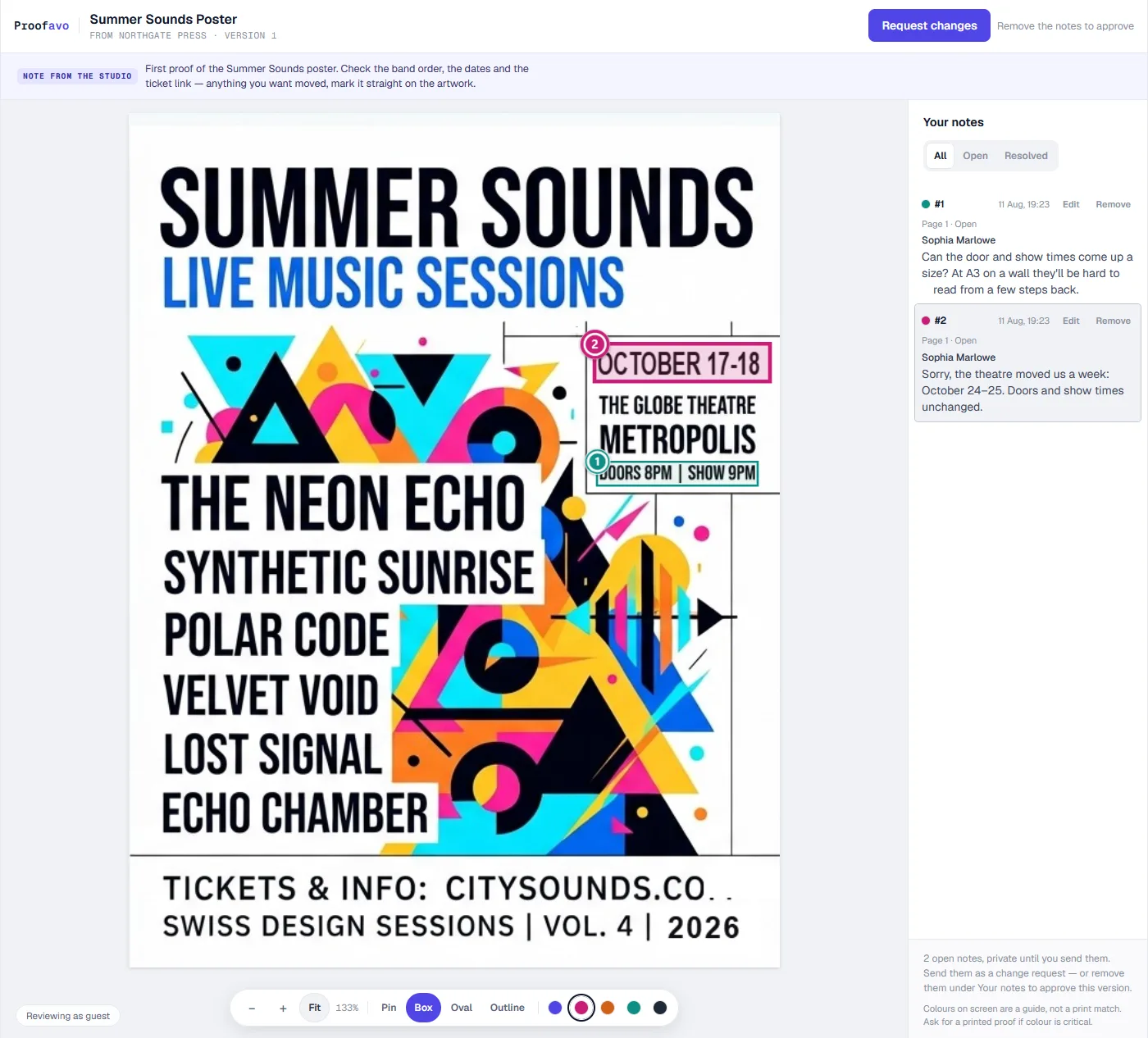 Proofavo's review page, as the customer sees it.
Price: free plan with three active projects for one person; Starter at $29.90/month, flat, with unlimited people in the workspace. Reviewers never cost a seat.
Pros:
- The client opens a plain link — no account, no password — and pins comments on the artwork.
- Approval is bound to the exact file, with a downloadable record carrying the file's SHA-256 fingerprint.
- An automatic reminder chases a client who has not opened or decided, on every plan.
Cons:
- PDF, JPEG and PNG only: no video, no website proofing.
- One approval step — no multi-stage workflow, no Adobe plugin.
- Built for print and sign shops rather than design studios, and young, with no review-site track record yet.
GoVisually
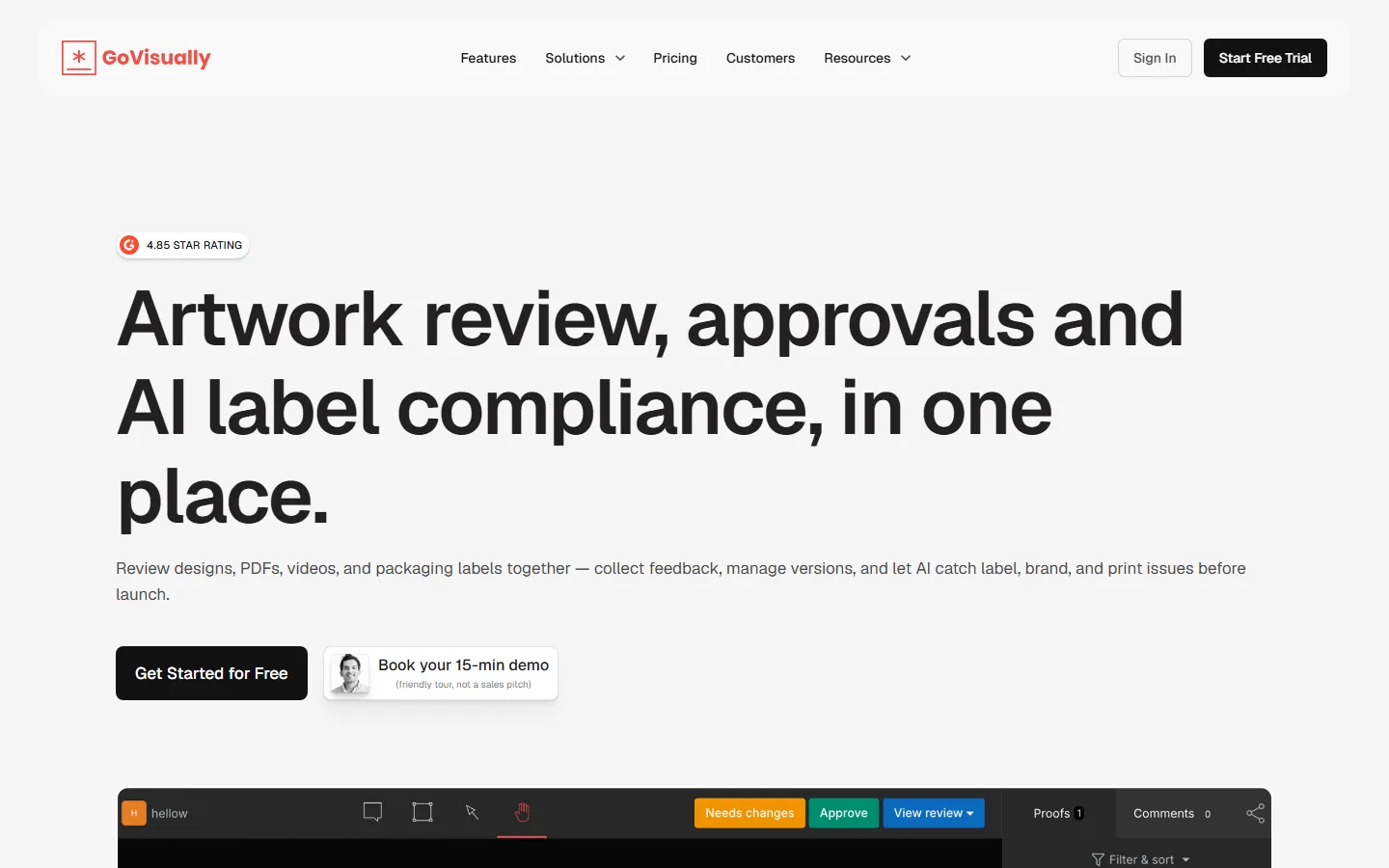 GoVisually's home page, as it looked on 29 September 2026.
Price: Lite $20 per user a month, or $16 billed yearly, for 1 to 5 users and 15 active projects. Pro $40 per user a month ($33 yearly), minimum 3 users. Free trial, no free plan (checked 2026-09-29 on GoVisually's pricing page).
Pros:
- A simple interface that clients use without training.
- Unlimited external reviewers through a link, with no account.
- Good value and responsive support, per reviewers.
Cons:
- Annotation tools are limited — reviewers ask for freehand drawing.
- Weak on mobile.
- Archived projects cannot be recovered, and version comparison is basic. Video needs Pro.
Capterra: 4.6 from 120 reviews.
Ashore
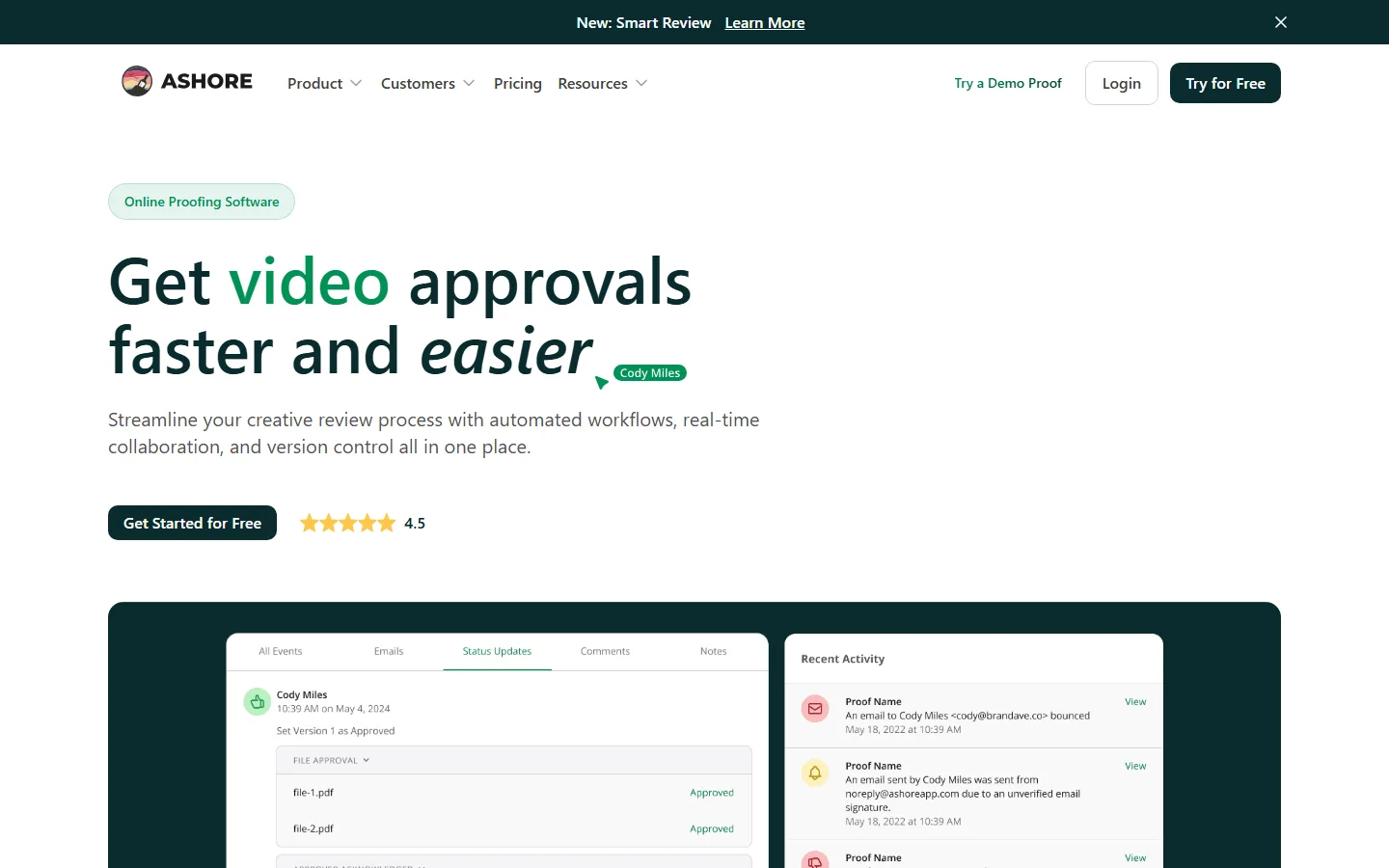 Ashore's home page, as it looked on 29 September 2026.
Price: free for one user. Starter $18 a month for one user, plus $18 per extra user ($15 billed yearly). Standard $57 a month with 3 users ($46 yearly). Premium $249 with 5 users (checked 2026-09-29 on Ashore's pricing page).
Pros:
- White-label client proofing, which suits agencies and print shops.
- Approvers click an emailed link with no login.
- Automated reminders and review sequences are its core strength.
Cons:
- Reviewers find the proofing tools basic for complex multi-version cycles.
- An interface that looks dated.
- Help documentation leans heavily on video.
Capterra: 4.1 from 7 reviews.
ReviewStudio
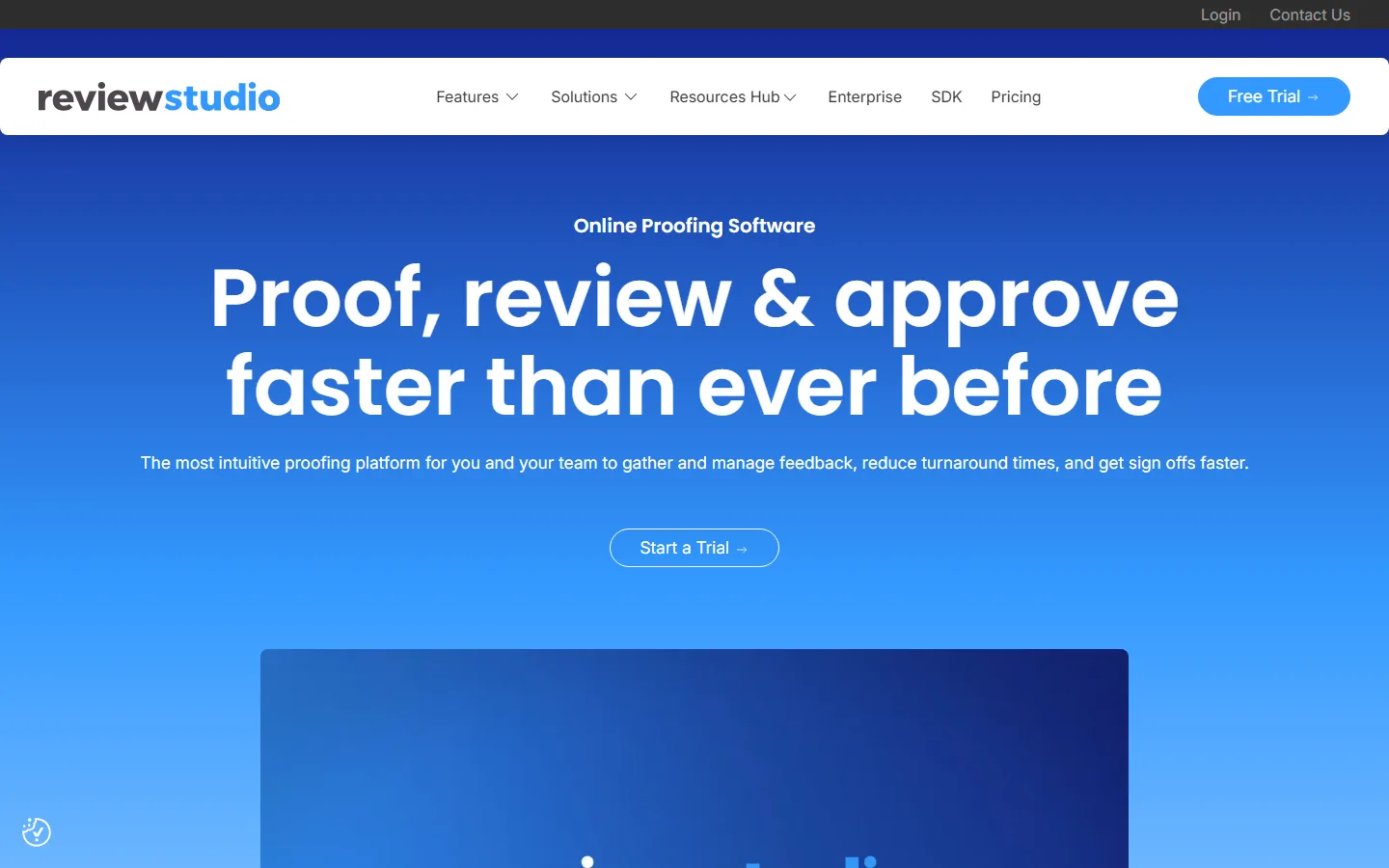 ReviewStudio's home page, as it looked on 29 September 2026.
Price: free Starter plan. Pro $15 per user a month ($12 yearly), 10 active reviews per user. Advanced $25 per user ($20 yearly), minimum 5 users (checked 2026-09-29 on ReviewStudio's pricing page).
Pros:
- Easy to learn, and good value against the enterprise tools.
- Wide format support — PDF, images, video, audio, Office, HTML, even 3D.
- Version comparison and good security, per reviewers.
Cons:
- Dated navigation that takes too many clicks.
- Weak on mobile.
- Integrations reviewers call unreliable, and some mention price rises. No live-website review.
Capterra: 4.7 from 98 reviews.
Approval Studio
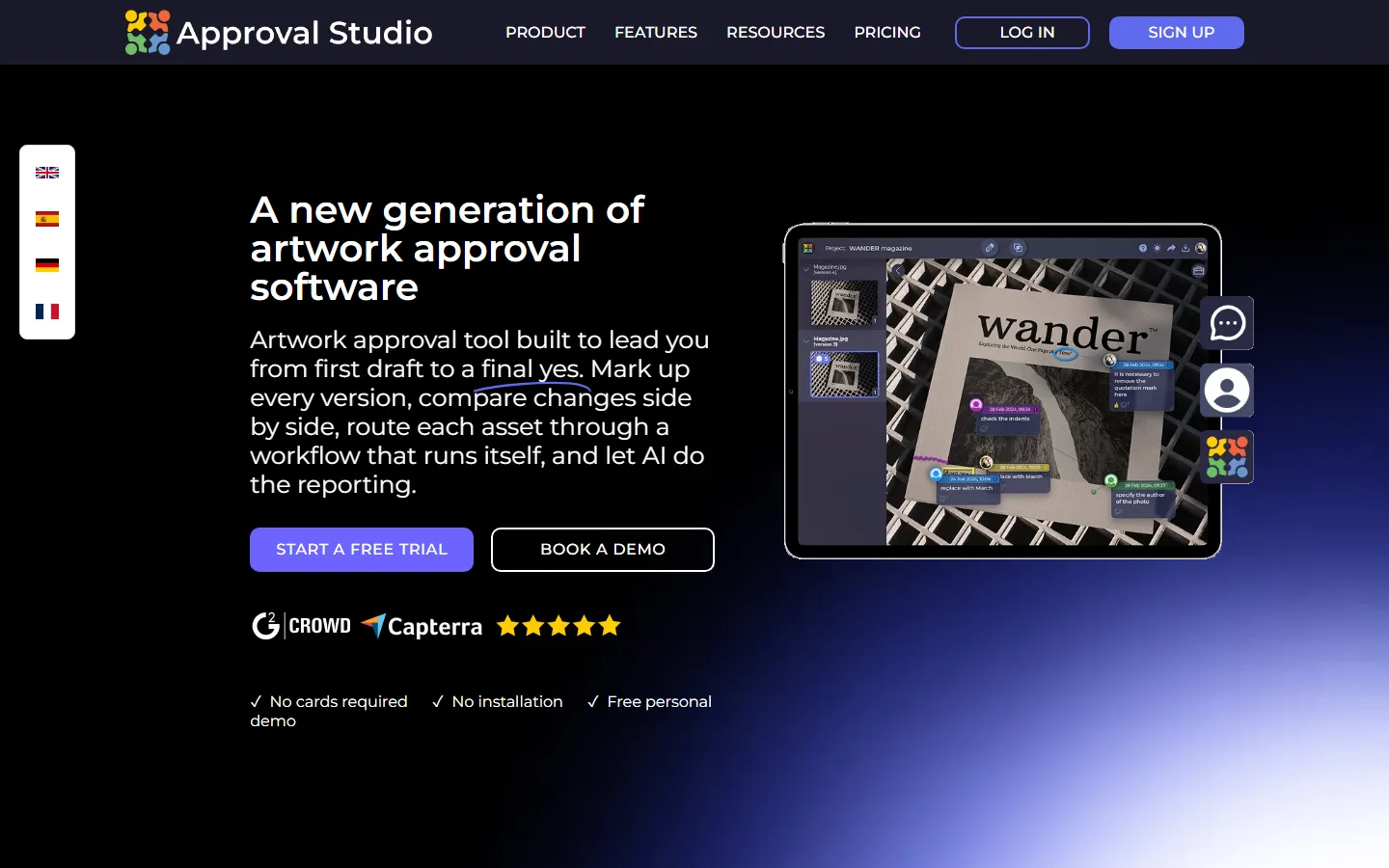 Approval Studio's home page, as it looked on 29 September 2026.
Price: Lite $65 a month ($60 yearly), flat, 5 users and 5 GB. Pro $179 ($160 yearly). Pro XL $330 ($300 yearly) for 15 users. 14-day trial (checked 2026-09-29 on Approval Studio's pricing page).
Pros:
- Clients review without registering.
- Several version-compare modes and precise annotation.
- An Adobe plugin that reviewers say saves real time.
Cons:
- 5 GB on the entry plan is small for print-sized files, and file-size limits force long PDFs to be split.
- The interface can be sluggish, and the dashboard does not refresh itself.
- Limited branding and no custom domain.
Capterra: 4.8 from 39 reviews.
ExpressReview
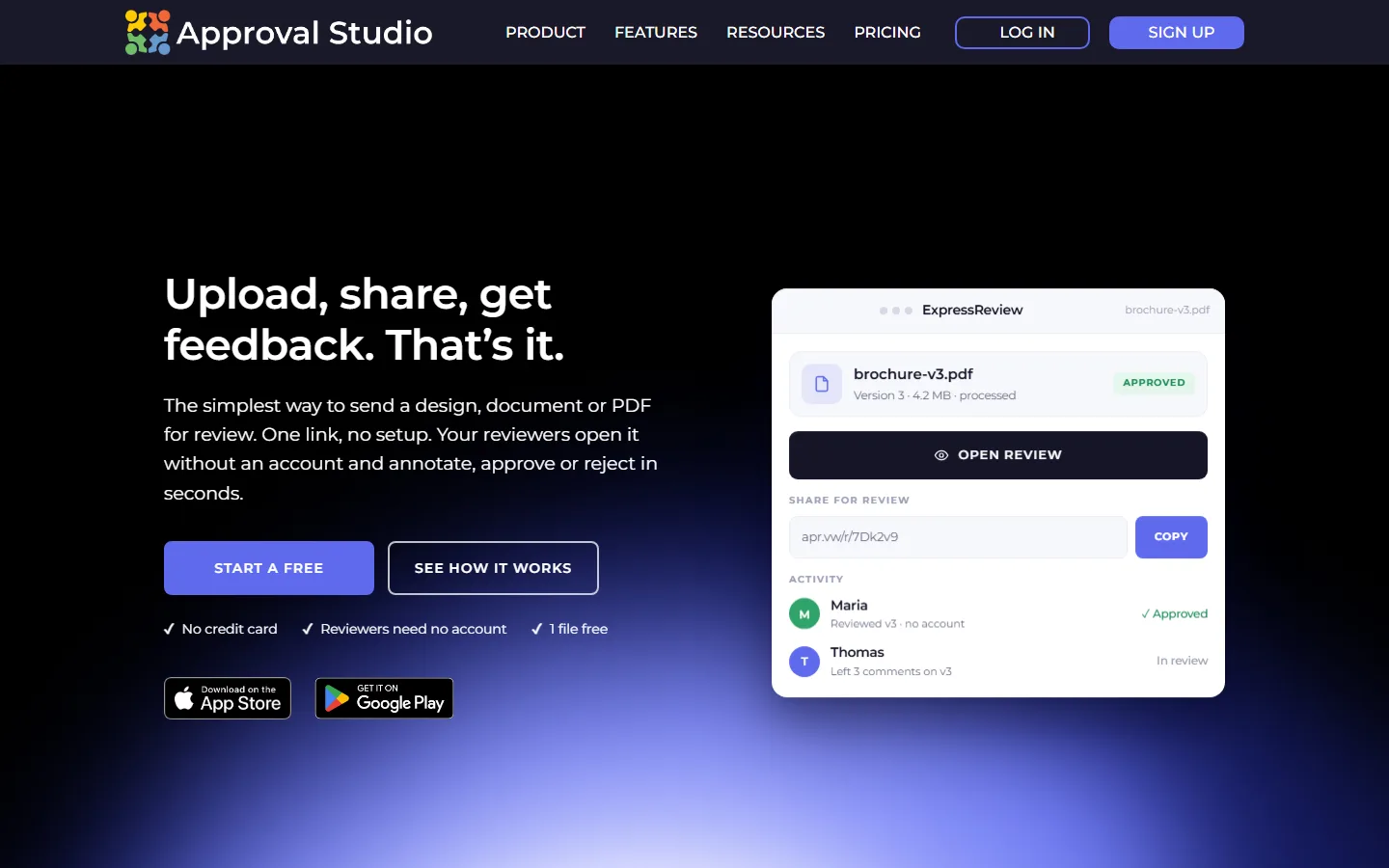 ExpressReview's page, as it looked on 29 September 2026.
Price: free for one active file. Express $9.99 per user a month or $99.99 a year, with 1 GB (checked 2026-09-29 on the ExpressReview pricing page). Made by Approval Studio as its single-file product.
Pros:
- The cheapest paid plan on this page.
- Reviewers are account-free on every plan.
- One file, one link, no setup.
Cons:
- No projects, teams or workflow — one file at a time.
- 1 GB of storage.
- New, with no reviews yet.
WeProof
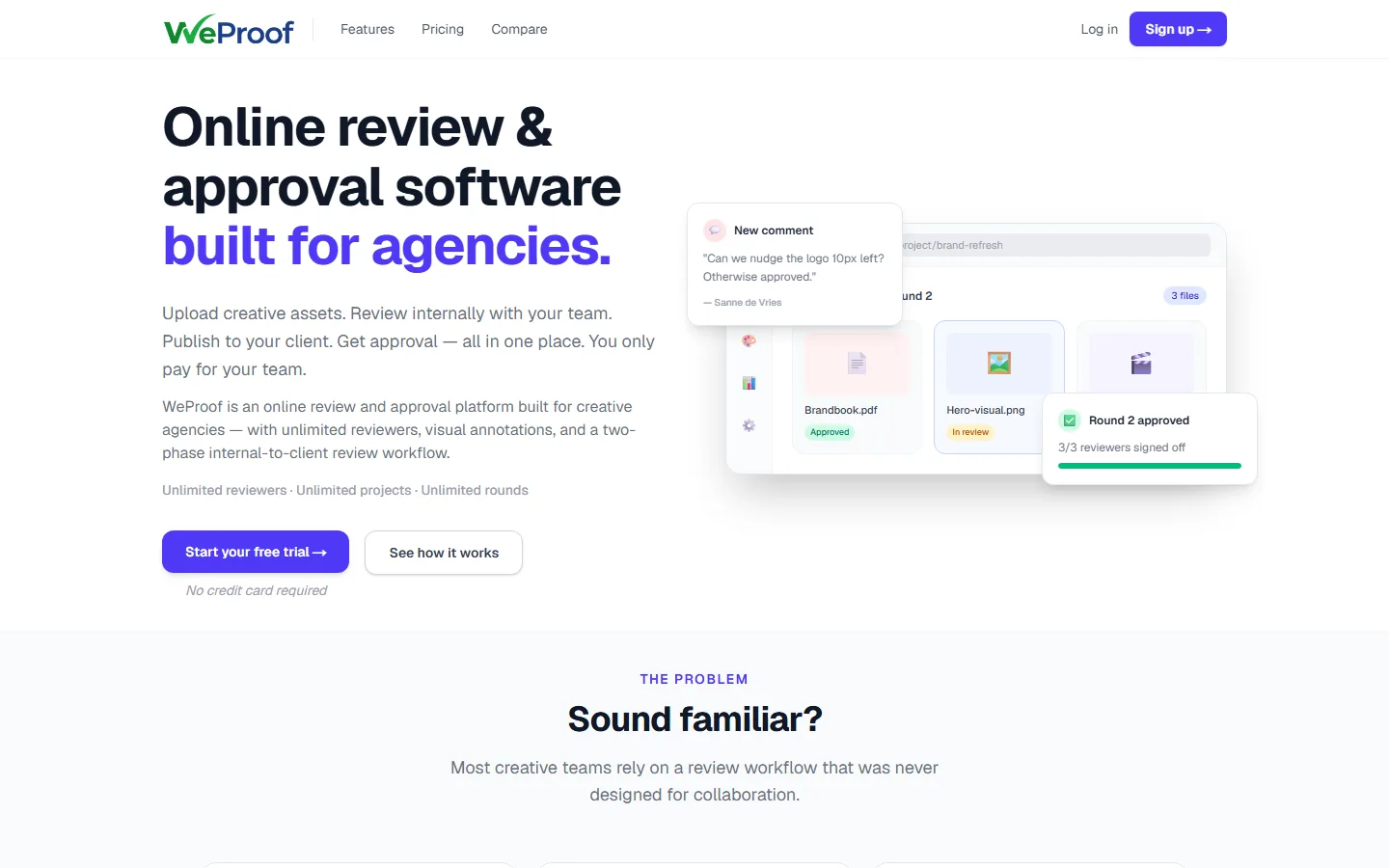 WeProof's home page, as it looked on 29 September 2026.
Price: free for 2 seats and 1 project. Starter €39 a month (€29 yearly) for 5 seats and 100 GB; extra seats €10. Studio €129 (€99 yearly) (checked 2026-09-29 on WeProof's pricing page).
Pros:
- Five seats on the entry plan at a flat euro price.
- A two-phase review: internal first, then the client — who needs no account and is not a seat.
- Hosted in the EU (Frankfurt).
Cons:
- No reviews on Capterra yet.
- No website proofing.
- Young and unproven.
GoProof
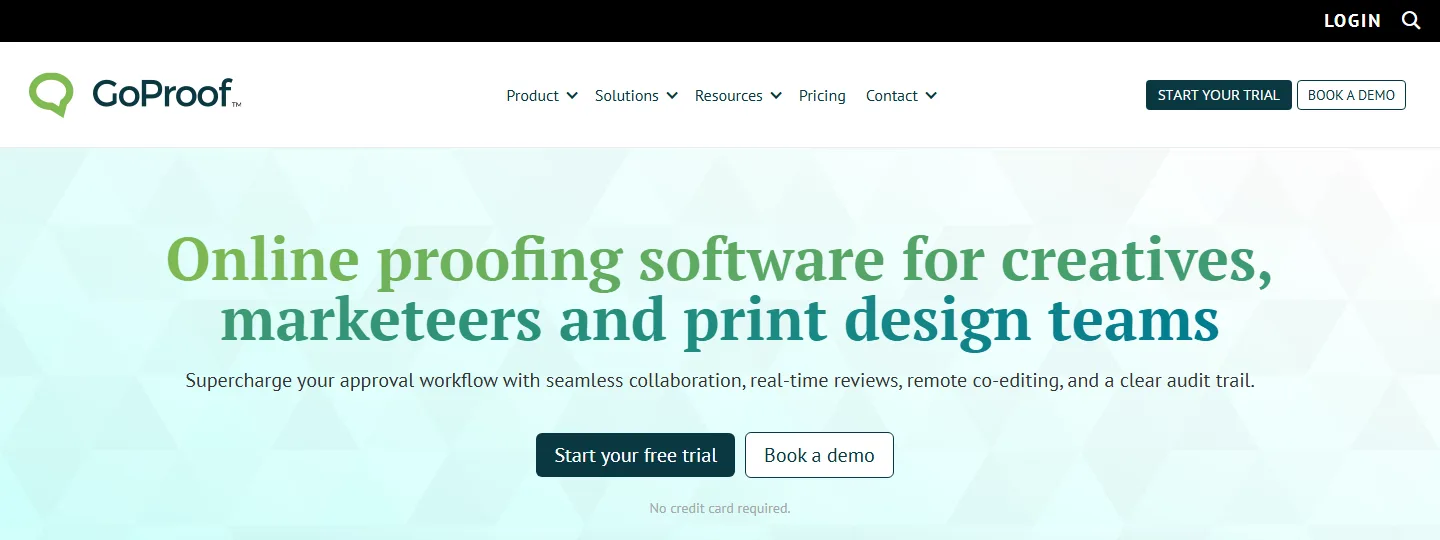 GoProof's home page, as it looked on 29 September 2026.
Price: Connect $159 a month ($129 yearly) for up to 2 users and 500 GB. Pro $329 ($259 yearly) for up to 5. 14-day trial (checked 2026-09-29 on GoProof's pricing page).
Pros:
- Deep Adobe Creative Cloud integration — review and apply changes from inside InDesign, Photoshop, Illustrator and Premiere Pro.
- Unlimited reviewers who need no licence or login.
- Responsive support.
Cons:
- The third user pushes you from $159 to $329 a month.
- Navigation reviewers call clunky, and weak mobile support.
- Glitches with version and file-name handling.
Capterra: 4.3 from 55 reviews.
ProofHub
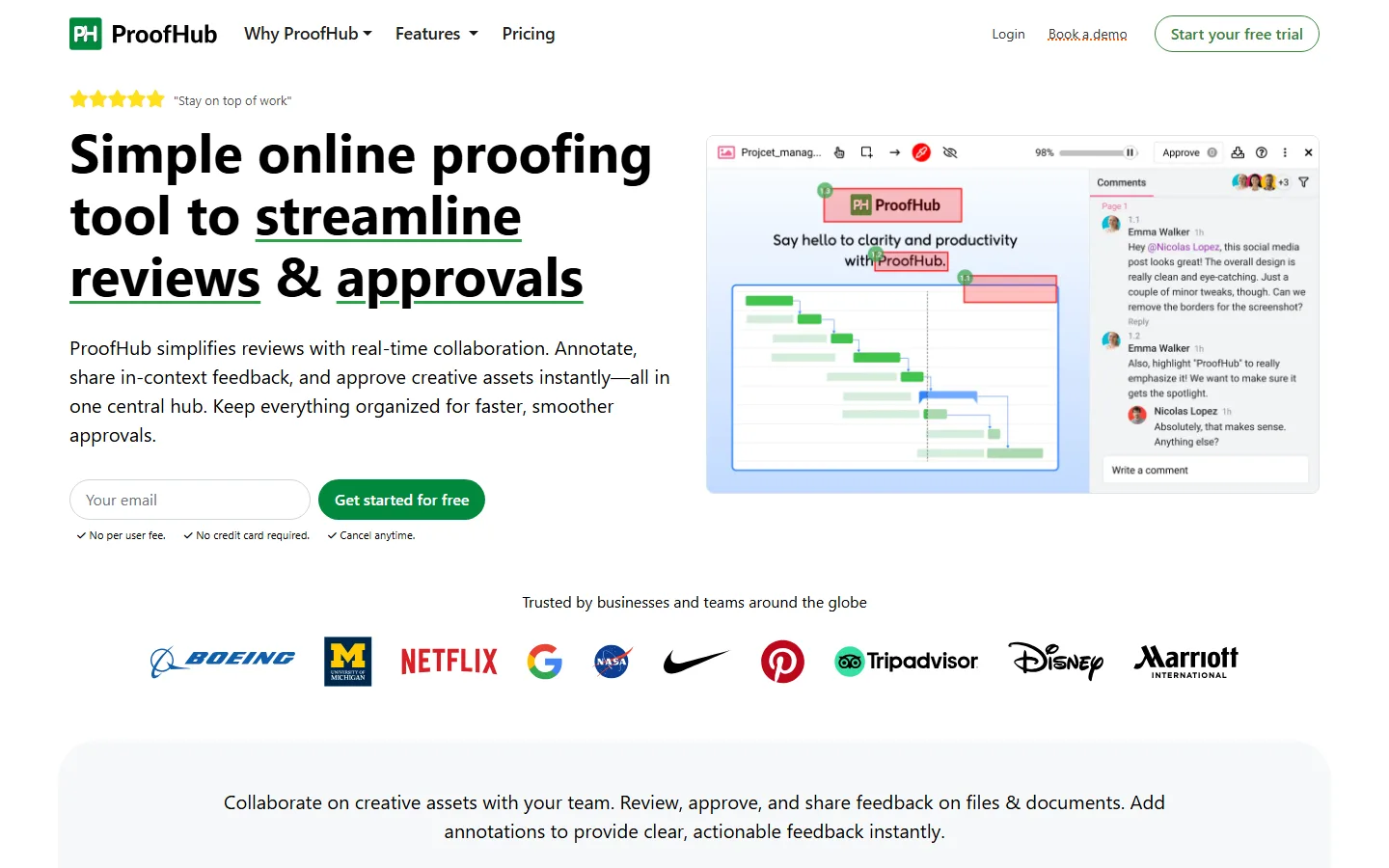 ProofHub's proofing page, as it looked on 29 September 2026.
Price: Essential $50 a month ($45 yearly), flat, unlimited users, 40 projects, 15 GB. Ultimate Control $150 ($135 yearly) after an introductory discount (checked 2026-09-29 on ProofHub's pricing page).
Pros:
- Project management and proofing in one tool, at one flat price.
- Unlimited users, and clients can review through a link without logging in.
- Gets feedback out of email and chat.
Cons:
- A project-management suite first — the proofing is one feature.
- A learning curve and few integrations.
- A dated interface; some reviewers say they outgrew it.
Capterra: 4.6 from 158 reviews.
MarkUp.io
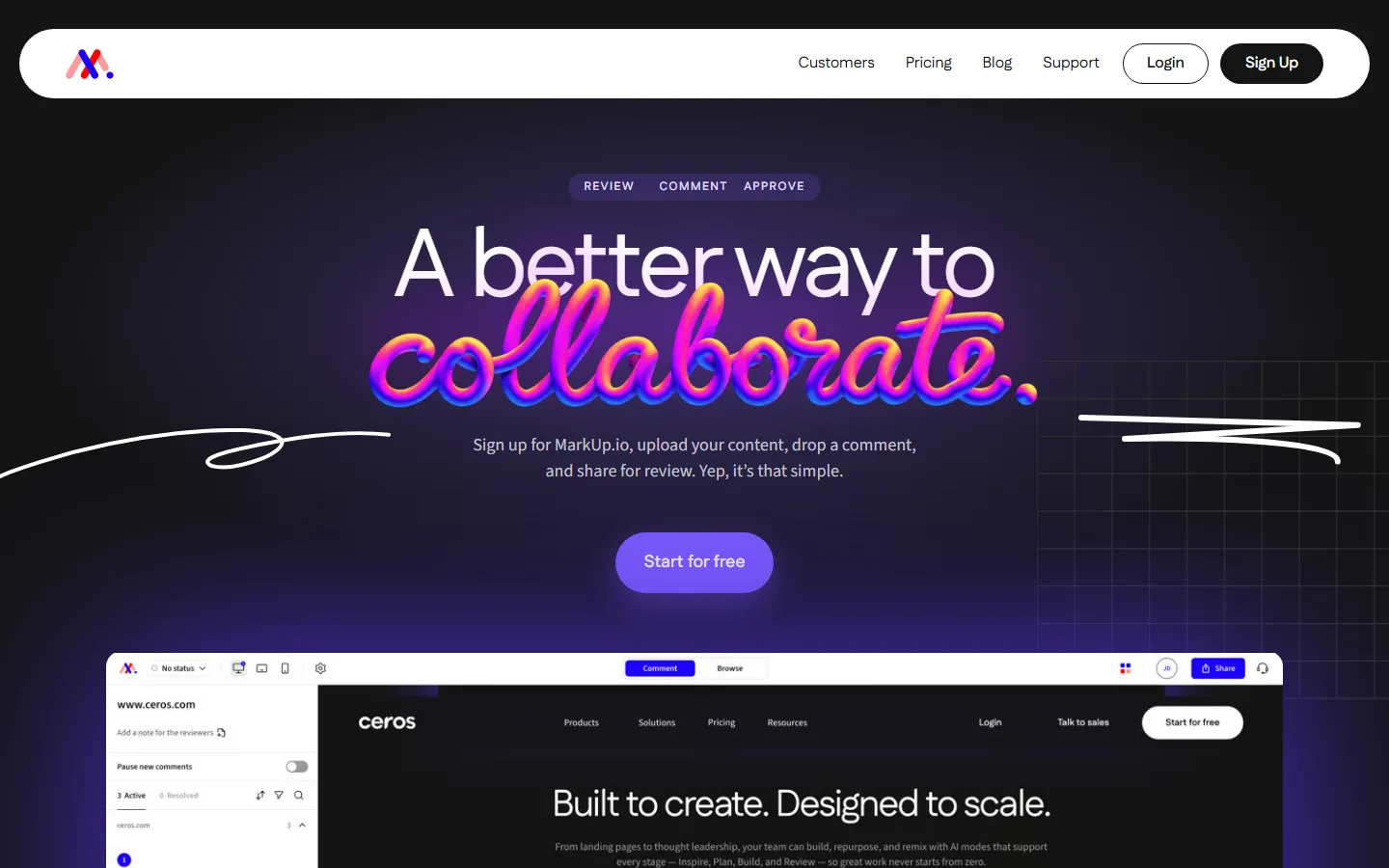 MarkUp.io's home page, as it looked on 29 September 2026.
Price: Pro from $79 a month for 50 "MarkUps" up to $129 for 100, unlimited users; $990 to $1,290 a year. Extra MarkUps $4 each. No free plan (checked 2026-09-29 on MarkUp.io's pricing page).
Pros:
- Commenting directly on live websites as well as PDFs and images.
- Guests comment without registering.
- Very easy, per reviewers.
Cons:
- In 2025 it removed its free and small-business tiers; one reviewer reports a 280% price rise with no grandfathering.
- Reports of lost comments and notification bugs.
- Basic markup tools.
Capterra: 4.4 from 11 reviews.
zipBoard
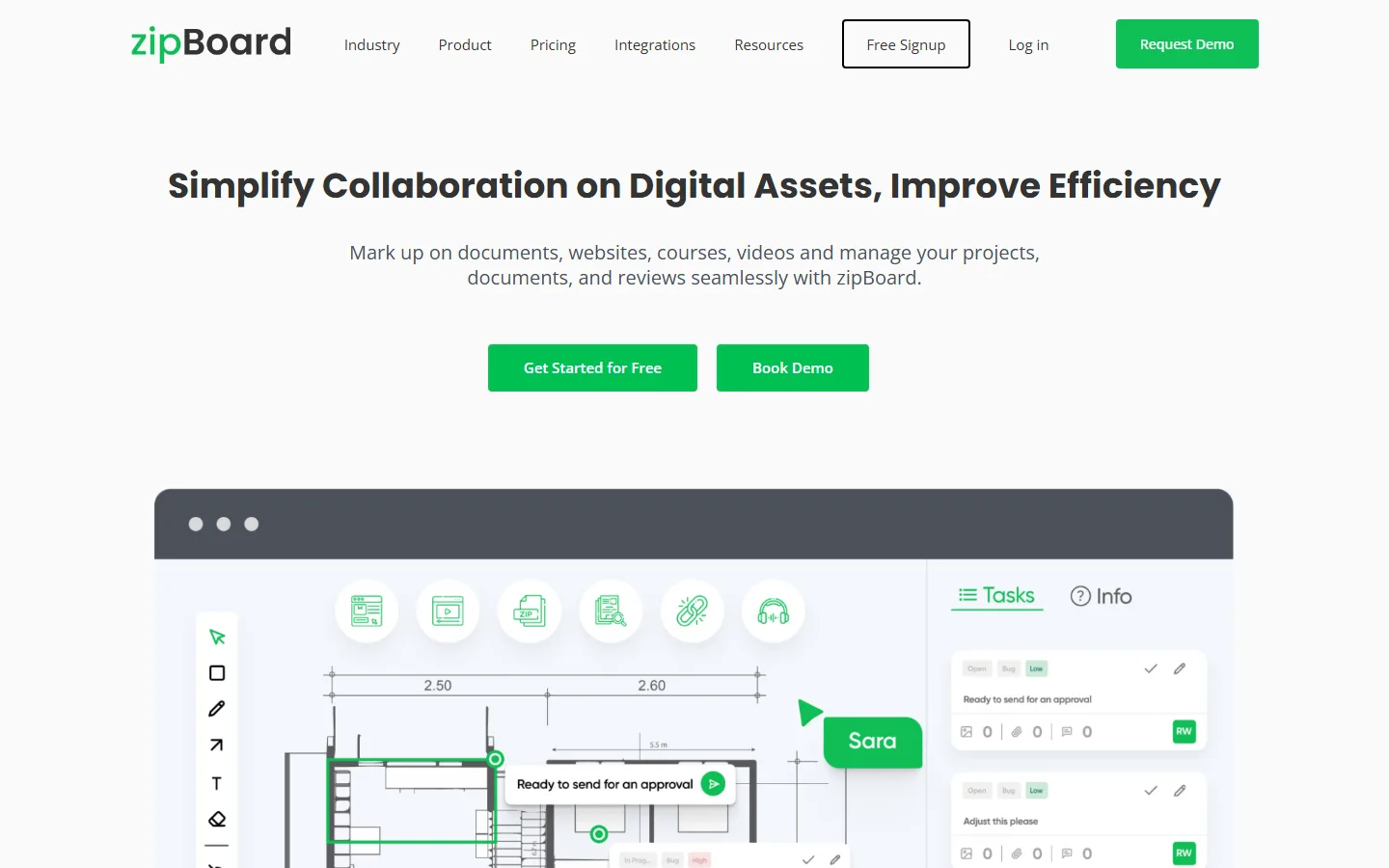 zipBoard's home page, as it looked on 29 September 2026.
Price: Team from $99 a month for 20 digital assets, unlimited reviewers. Agency from $199 (checked 2026-09-29 on zipBoard's pricing page).
Pros:
- Built for e-learning, documentation and websites, including SCORM packages.
- Review links with no login required.
- Pinpoint screenshot annotation.
Cons:
- Clients find comment bubbles covering the content.
- Bugs and freezes on large projects.
- Considered pricey, and annotations cannot be edited once made.
Capterra: 4.3 from 92 reviews.
Picflow
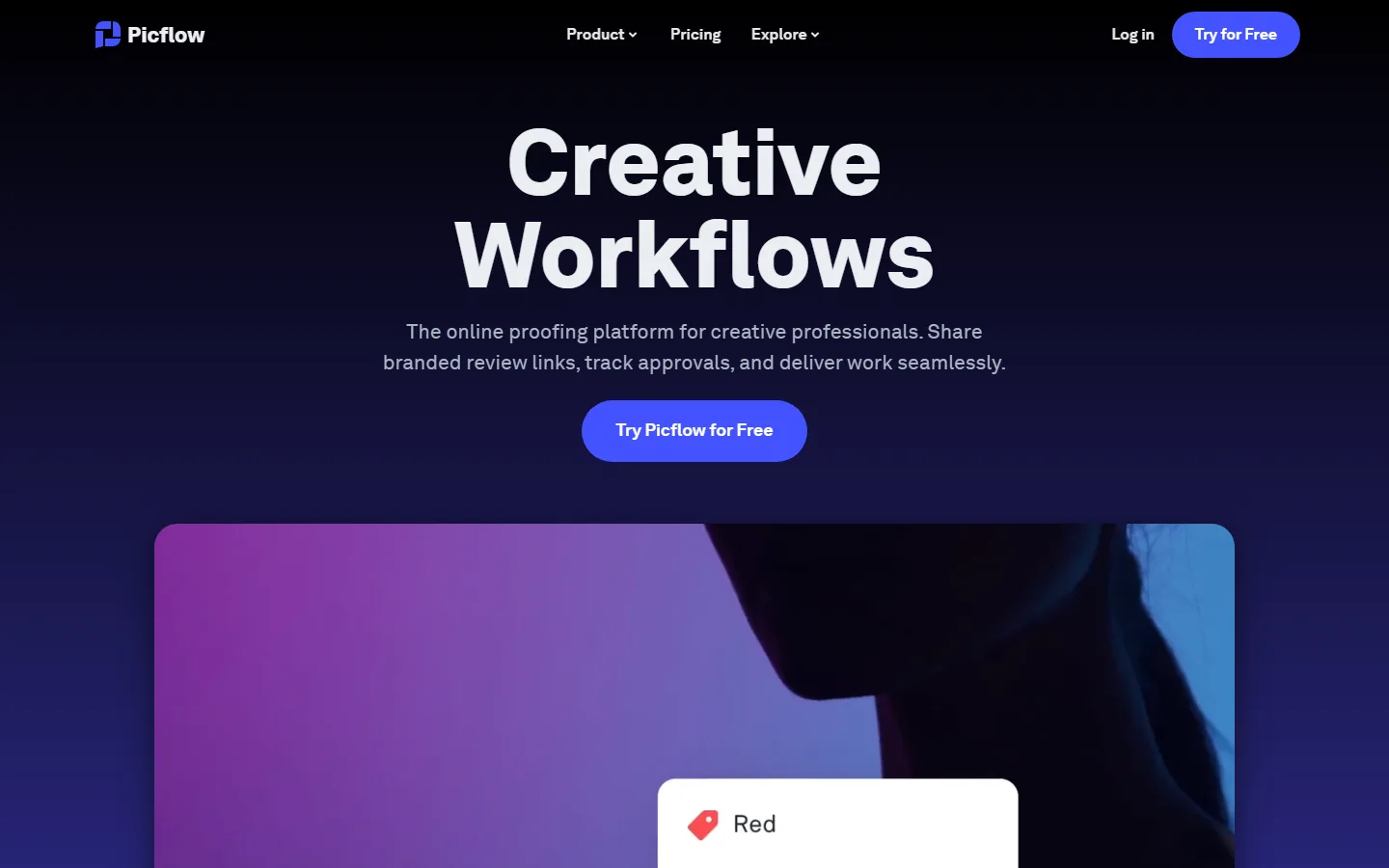 Picflow's home page, as it looked on 29 September 2026.
Price: free for one seat. Plus $15 a month ($12 yearly) for one seat. Pro $24 a month for 2 seats, extra seats $15 (checked 2026-09-29 on Picflow's pricing page).
Pros:
- Professional-looking client galleries with proofing built in.
- Unlimited reviewers on every plan, without licences.
- Strong on images including RAW, and video.
Cons:
- Built for photographers and videographers more than for designers.
- Few reviews to judge by.
- Reviewers mention occasional bulk-upload problems.
Capterra: 5.0 from 8 reviews.
edoro (replacing QuickReviewer)
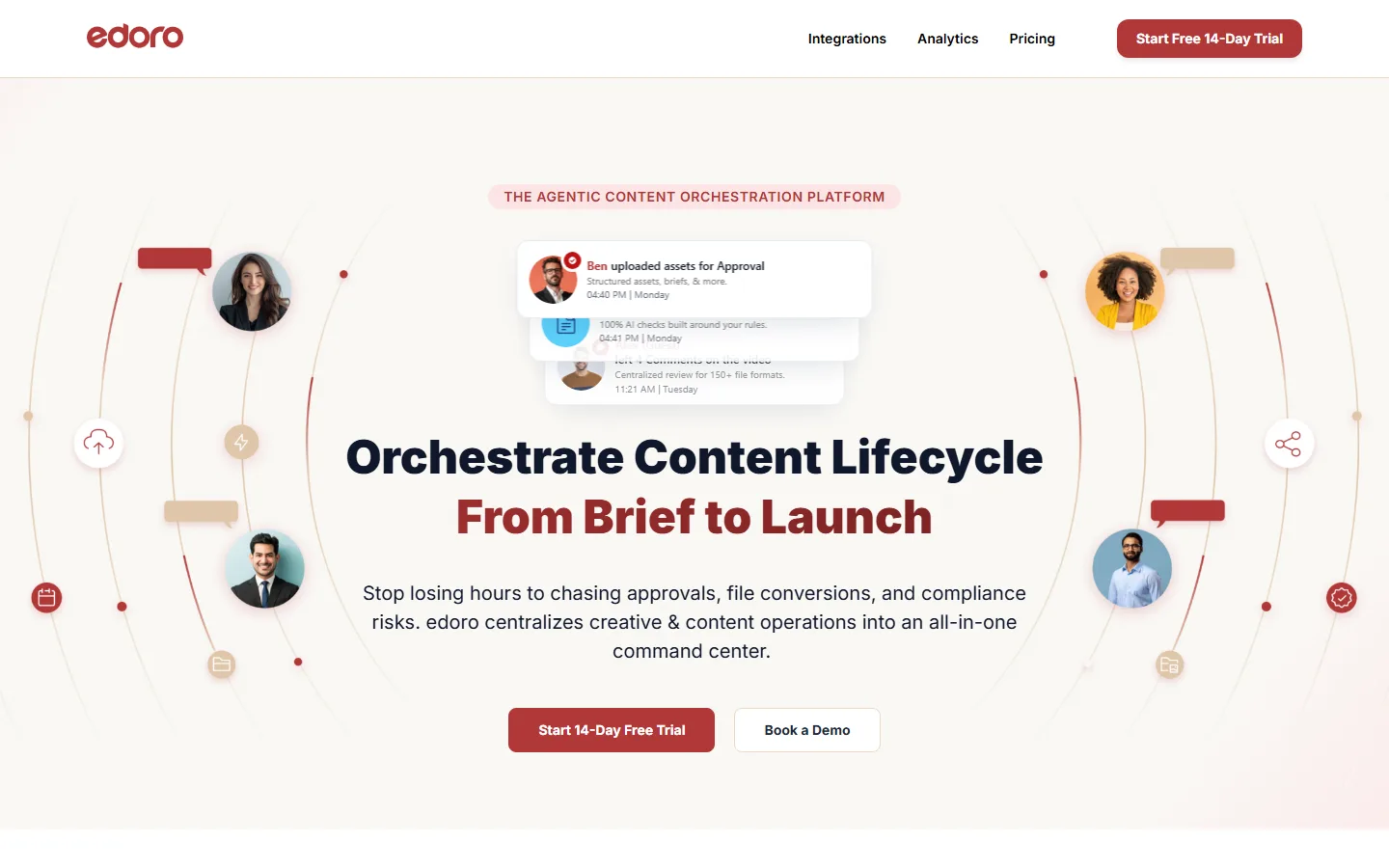 edoro's home page, as it looked on 29 September 2026.
Price: Starter Kit $95 a month, flat, for 5 members and 100 GB; 14-day trial (checked 2026-09-29 on edoro's pricing page).
QuickReviewer is shutting down. According to its own notice, its free accounts close on 30 September 2026 and the platform on 30 October 2026, after which remaining data is deleted. Files do not migrate to edoro, its successor, and lifetime deals are void. If you are on QuickReviewer, export your files now. QuickReviewer's last listed Pro plan was $79 a month.
Which one, briefly
A freelancer who proofs now and then. Start on a free plan — ReviewStudio, WeProof, Ashore or ours — and pay only when a limit bites.
A team that expects to grow. A flat price with unlimited people: Proofavo if what you proof is print artwork and you want the approval on record, ProofHub if you want project management in the same tool.
A studio of three to five, mostly PDFs and images. Compare the flat-to-five plans (WeProof, Approval Studio) against the per-user ones at your real headcount.
A studio living in InDesign. GoProof, if the price jump at the third user is acceptable; Approval Studio's plugin is the cheaper route.
Photographers and video. Picflow; for heavier video, Frame.io with the agency platforms.
Websites and e-learning. MarkUp.io or zipBoard.
A print or sign shop. The approval record matters more than the markup tools; see artwork approval software.
The shorter overview of the whole category is online proofing software.