
A print shop buys artwork approval in one of three shapes. A standalone approval tool does the proof and nothing else, and sits beside whatever runs your jobs. A shop-management suite — quotes, jobs, invoices, production board — has approval as one feature among forty. A prepress portal hangs off the RIP workflow of a commercial or packaging printer. The prices differ by a factor of fifty, and most of the difference is not the proofing.
This page covers fourteen of them. It is written by one of the vendors on it, so read our own entry sceptically. The prices are not ours to shade: every figure comes from the vendor's own pricing page and carries the date it was checked. The pros and cons lean on what reviewers repeat on Capterra, not on feature pages, and the picture under each name is that vendor's own page on the day its price was checked — except ours, which shows the review page your customer would actually see, since the page you are reading is already our own.
Looking for agency and marketing-team platforms instead — Ziflow, Filestage, PageProof? They are in creative approval software. The per-user tools a small design team would use are in design proofing software.
Three questions that decide it
1. Do you already run a shop-management system? If shopVOX, Printavo or DecoNetwork already holds your quotes and jobs, check what approval it includes before buying anything — and check which tier includes it. If you run on spreadsheets and email, a suite is a large purchase to make for the sake of one feature.
2. What does the customer do to approve? A plain link with a button, a typed name, a signature pad, or a login. Each step you add makes the record stronger and the approval slower. A customer who has to create an account for a job they order twice a year is a customer who replies "looks fine" by email instead.
3. What makes the price grow? Users, proofs sent, or nothing. Per-user pricing hurts a shop that hires; per-proof pricing hurts a shop that sends many small revisions; a flat price hurts nobody but is rarer than it should be.
Standalone approval tools
These do the proof and the record, and leave jobs and invoicing to something else. They are where the low prices are.
Proofavo
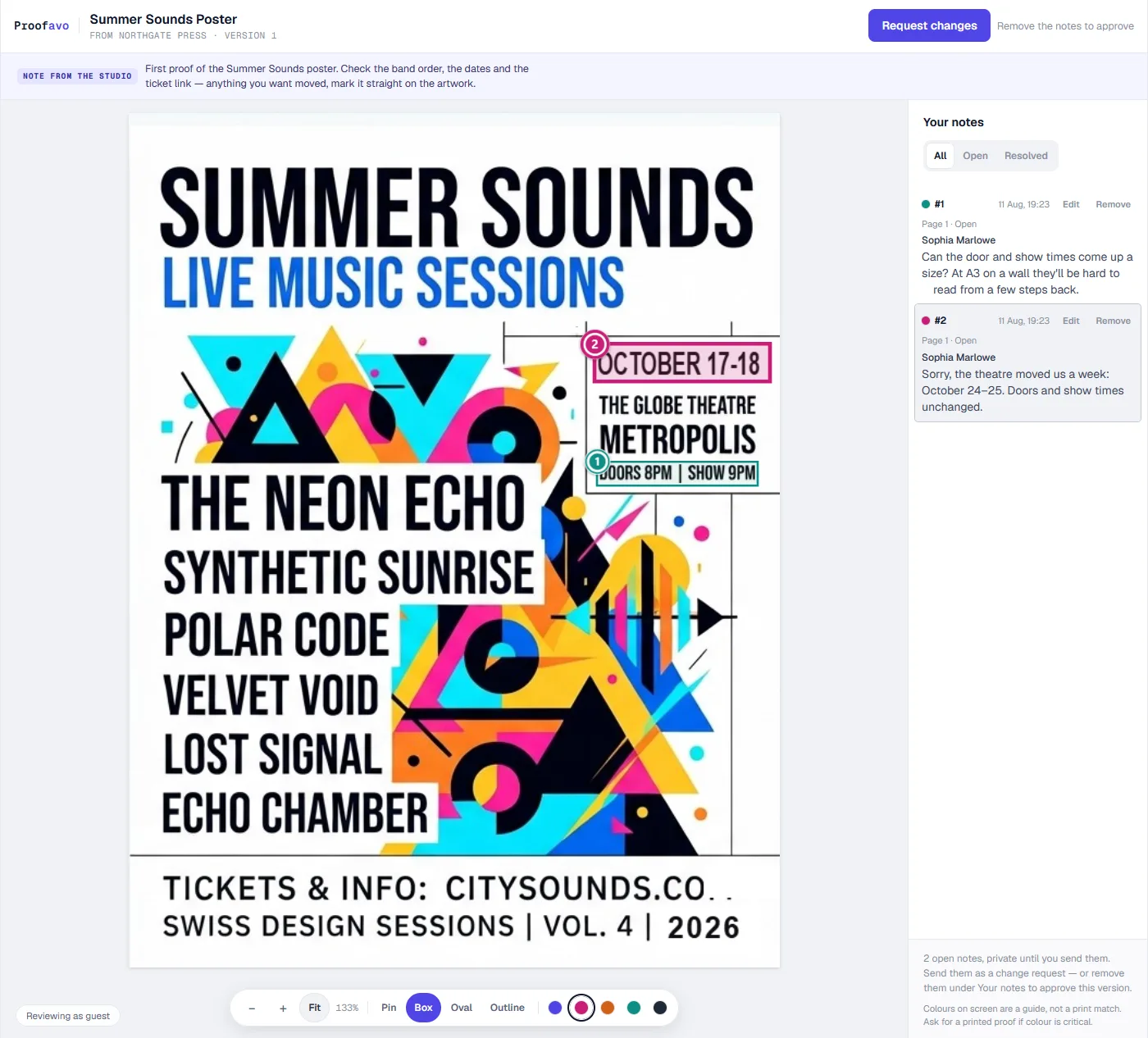 Proofavo's review page, as the customer sees it.
Price: free plan with three active projects for one person; Starter at $29.90/month with unlimited people in the workspace. Reviewers never cost a seat.
Pros:
- The customer opens a plain link — no account, no password — and pins comments on the artwork itself.
- Approval is bound to the exact file, and produces a downloadable record carrying the file's SHA-256 fingerprint.
- An automatic reminder chases a customer who has not opened or decided, on every plan.
Cons:
- No quotes, invoices or production board: it sits beside whatever runs your jobs rather than replacing it.
- PDF, JPEG and PNG only, and no garment mockups.
- A young product with no track record on review sites yet.
PrintProof
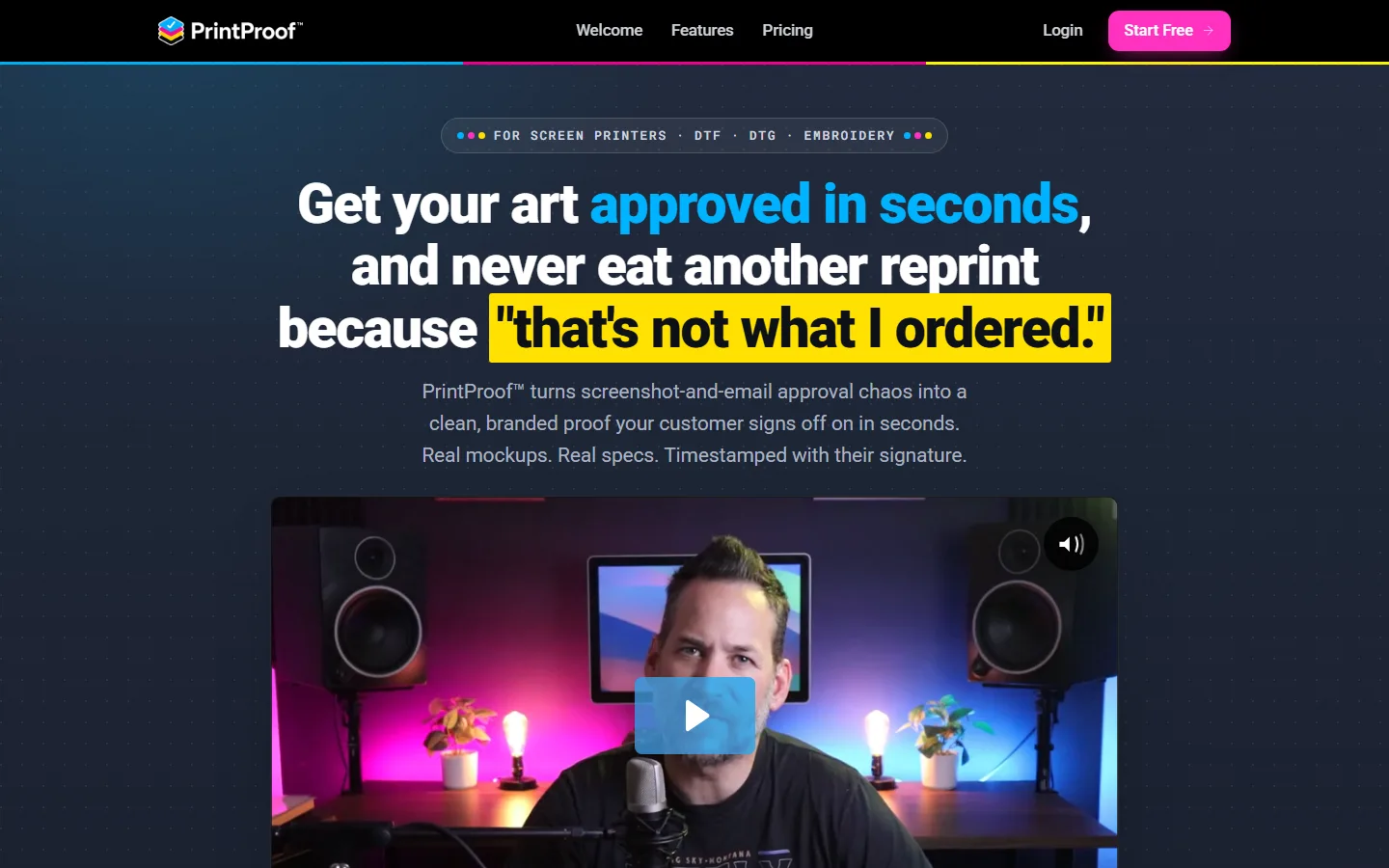 PrintProof's home page, as it looked on 29 September 2026.
Price: Solo $7.48 a month for up to 50 proofs; Studio $24 a month, unlimited. Marked as launch pricing that will rise (checked 2026-09-29 on PrintProof's website).
Pros:
- Built by a screen printer for apparel: real garment mockups from a blank-apparel catalogue, with print locations and print order.
- The customer approves through a public link with a typed name and a signature pad; the approval is time-stamped and locked.
- Checks the uploaded art for resolution on the way in.
Cons:
- Apparel first — signs and flat print are an afterthought.
- New, with no reviews on Capterra or G2 yet, and prices already flagged to rise.
- Solo's 50-proof cap is tight for a busy shop.
Proof Approve
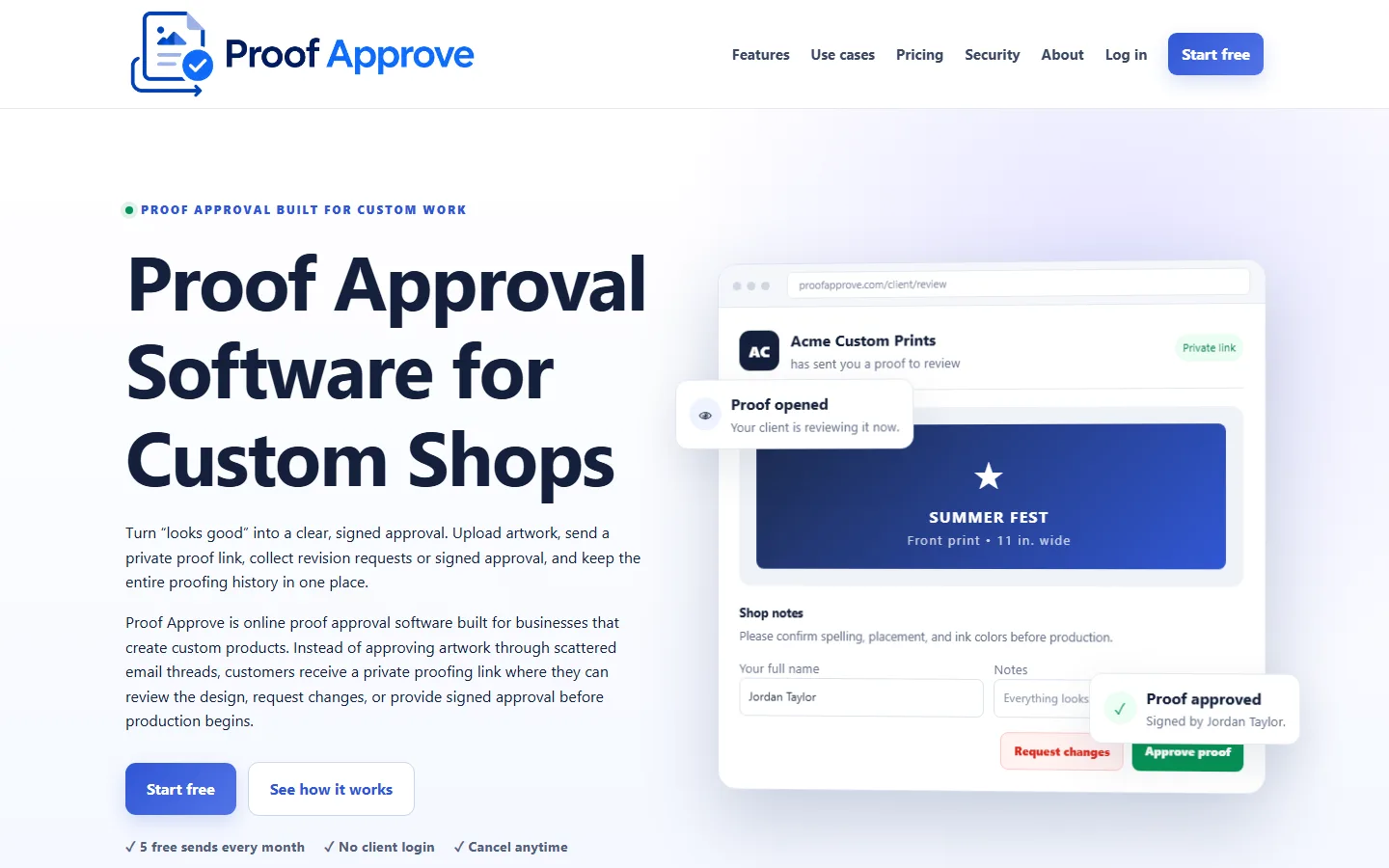 Proof Approve's home page, as it looked on 29 September 2026.
Price: free for 5 sends; Starter $12 a month for 50 sends; Studio $29 a month for 200 sends and three seats (checked 2026-09-29 on Proof Approve's website).
Pros:
- Aimed squarely at screen printers, embroiderers, sign shops and engravers.
- No customer account; the customer types their full name to approve and must give a reason to decline.
- Cheap to try.
Cons:
- Priced by sends, so every revision counts against the allowance.
- Three seats at the top published tier.
- No public reviews or launch history to judge it by.
ApproveTrail
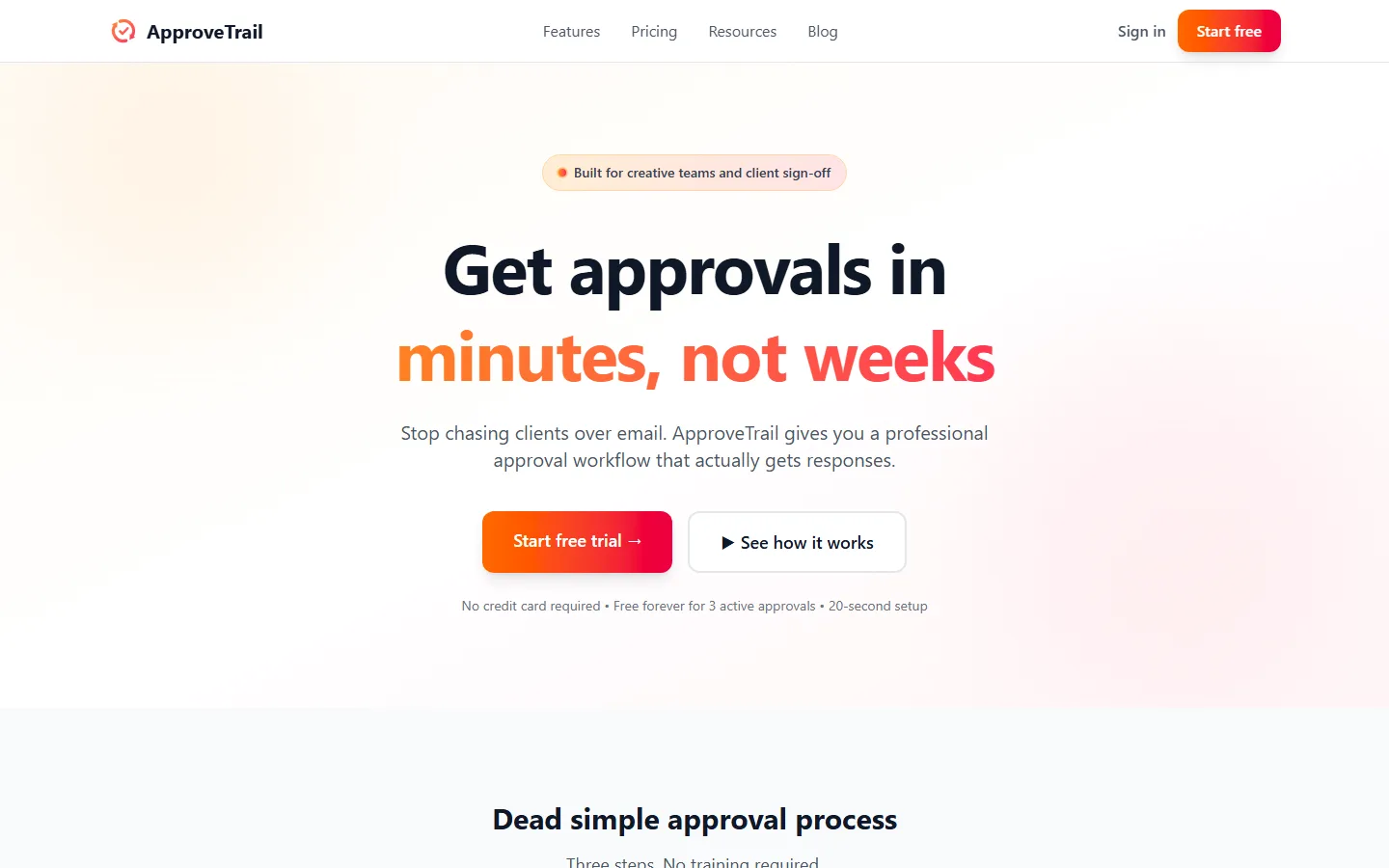 ApproveTrail's home page, as it looked on 29 September 2026.
Price: free for 3 active approvals (25 MB files, deleted after 30 days); Pro £10 a month for unlimited approvals and up to 50 approvers (checked 2026-09-29 on ApproveTrail's website).
Pros:
- The cheapest paid tier on this page.
- Reviewers get a link with no signup and no password, and every step lands in a time-stamped audit trail.
- A free tier that is usable, not a demo.
Cons:
- A general creative-approval tool with a print landing page, not a print tool: no mockups, no link to jobs.
- Priced in pounds only.
- Free-tier files disappear after 30 days, which is short for an approval record.
ProofStuff (ShopWorks)
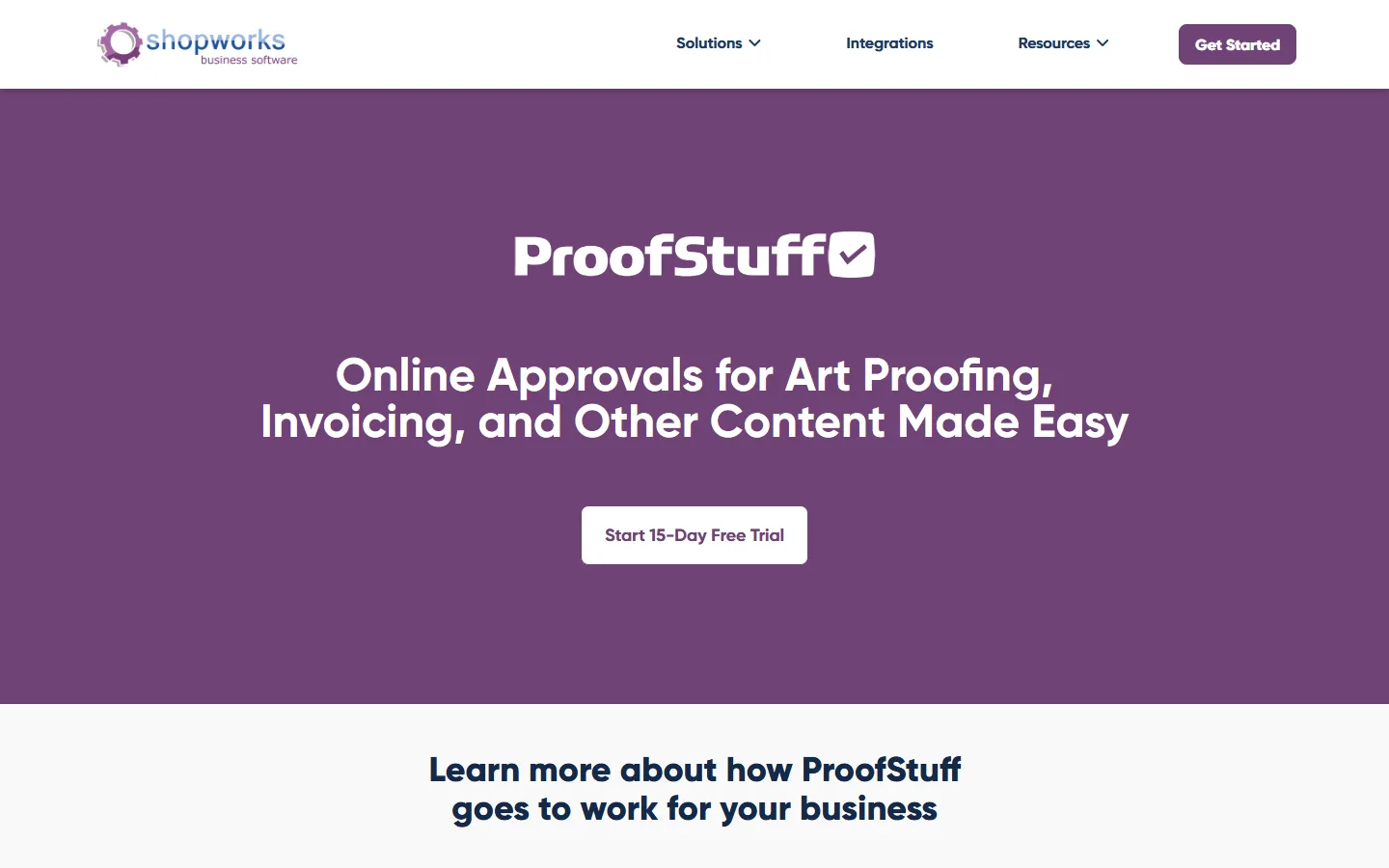 ProofStuff's page on the ShopWorks site, as it looked on 29 September 2026.
Price: $112 a month for up to 1,000 proofs, $180 for 2,000, $228 for 3,000, then $0.08 a proof; 15-day trial (checked 2026-09-29 on the ProofStuff page).
Pros:
- Accepts almost anything a customer sends — AI, PSD, DXF, Office files, zips.
- Automatic reminders and a proof history.
- Integrates fully with ShopWorks OnSite for shops already on it.
Cons:
- The entry price is several times the newer standalone tools.
- Priced by proof volume.
- Very little recent public review activity to go on.
Also seen: proofs.now runs versioned proofs where the customer must tick each flagged point before approving; its pricing is not public.
Approval inside shop-management software
Here the proof is one screen of a system that also quotes, schedules and invoices. The approval is usually competent and the price is for everything else.
shopVOX
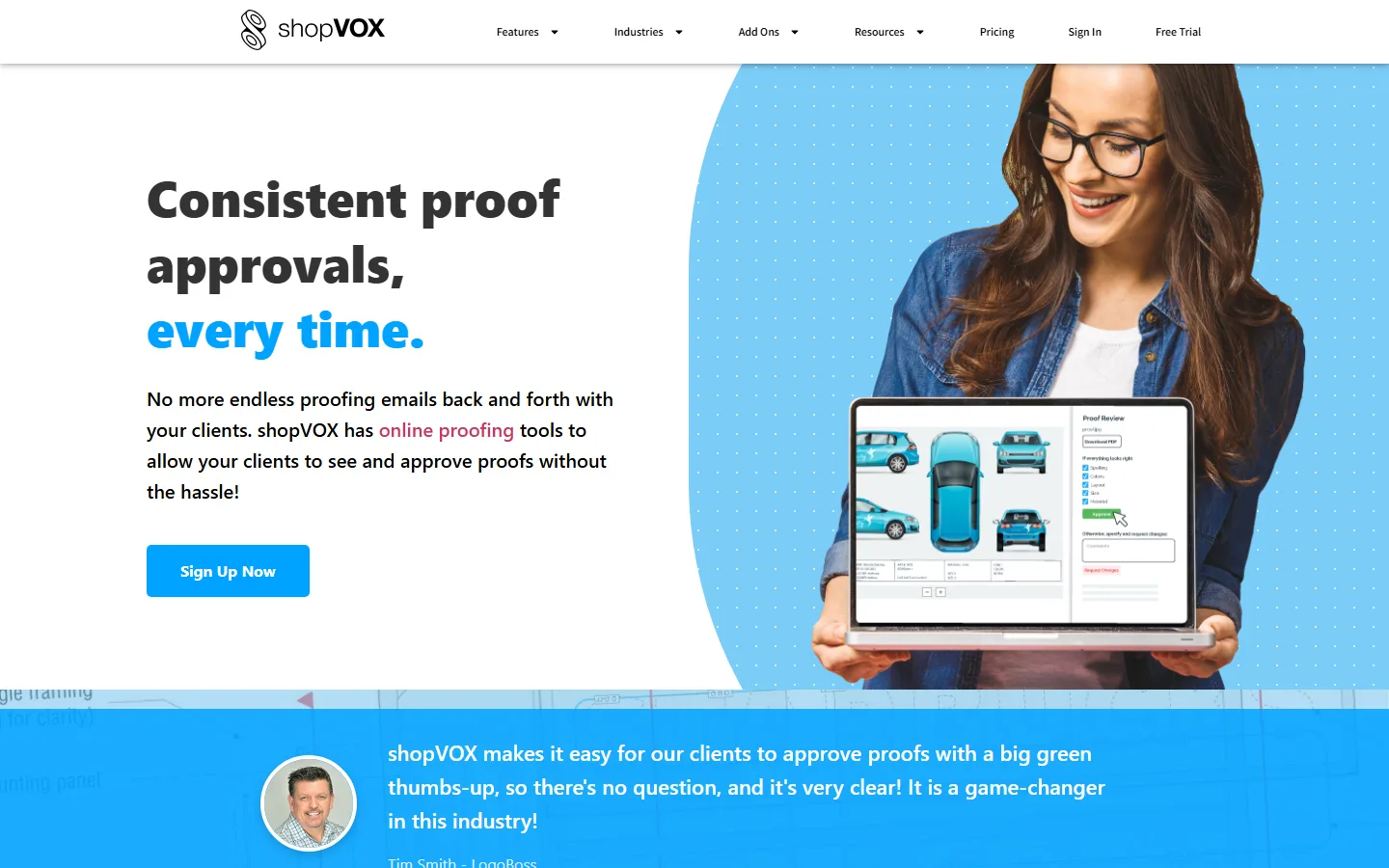 shopVOX's online proofing page, as it looked on 29 September 2026.
Price: Express $109 a month plus $29 per user; PRO $249 a month plus $49 per user, with onboarding from $499. Online proofing is on both; 14-day trial of Express (checked 2026-09-29 on shopVOX's pricing page).
Pros:
- The proof is tied to the quote, the job and the invoice.
- The customer opens a personal link with no account and approves with one button; every view and approval is time-stamped.
- Reviewers praise onboarding and live-chat support.
Cons:
- Per-user fees on top of the base: reviewers describe a bill that grew to a multiple of where it started.
- Reviewers report releases that arrived under-tested.
- A steep setup, and limited data export that some describe as lock-in.
Capterra: 4.6 from 243 reviews.
Printavo
Price: Lite $109 a month for 2 users does not include approvals; Standard $244 a month for 5 users does; Premium on request (checked 2026-09-29 on Printavo's pricing page).
Pros:
- Quote and artwork approvals can be sent separately, with approval times kept in the order history.
- Automations such as requesting a deposit once artwork is approved.
- Easy to get running for a decorated-apparel shop.
Cons:
- The cheapest plan with approvals is $244 a month, not the $109 on the first card.
- Coarse permissions once a shop passes twenty-odd staff.
- Too simple for serious production scheduling, reviewers say.
Capterra: 4.5 from 15 reviews.
PrinterFlo
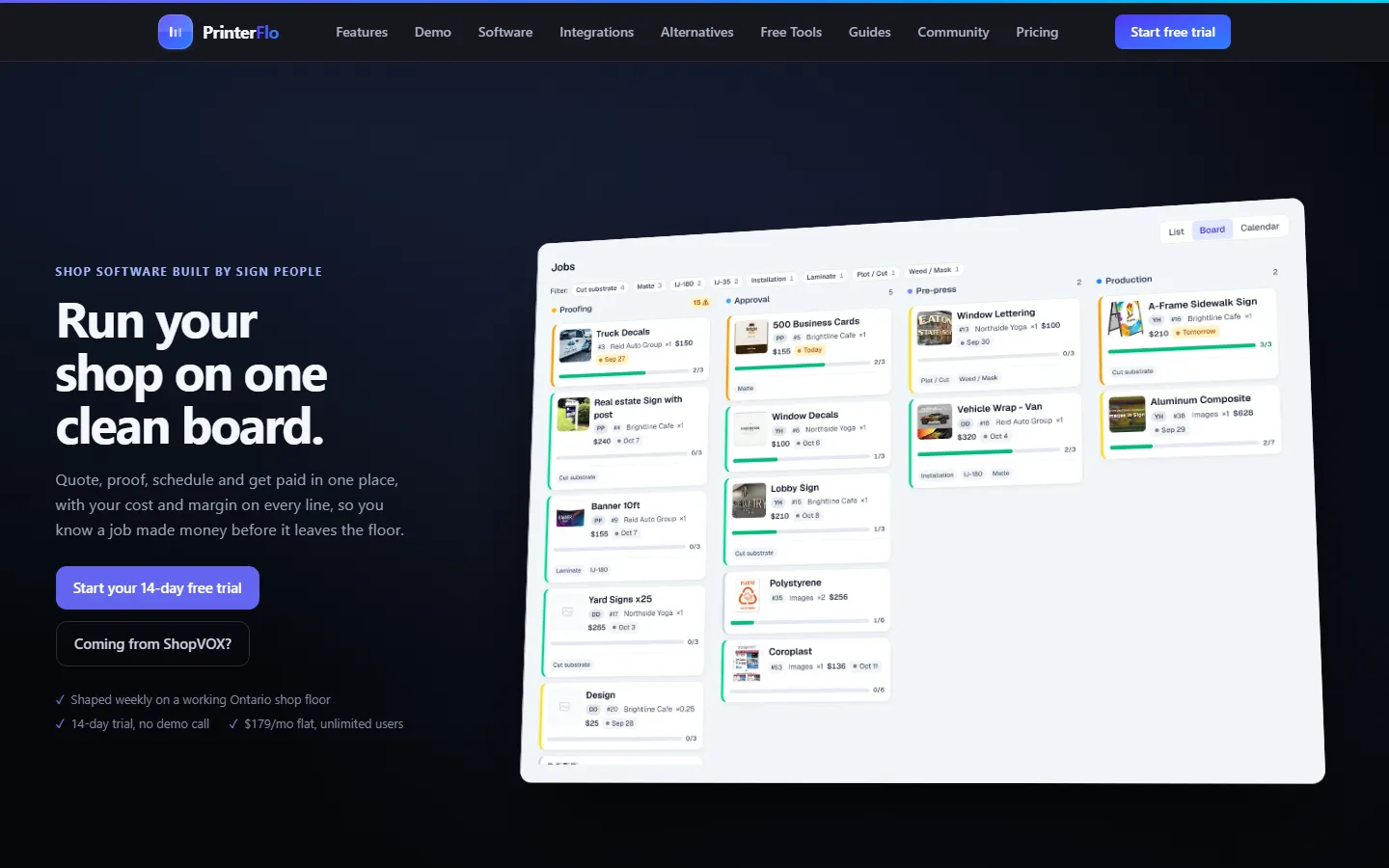 PrinterFlo's home page, as it looked on 29 September 2026.
Price: $179 a month, one plan, unlimited users, no setup fee. The page does not name the currency; one software directory lists it in Canadian dollars (checked 2026-09-29 on PrinterFlo's website).
Pros:
- A flat price with unlimited users — rare among the suites.
- One link where the customer approves and pays the deposit.
- One-click CSV and JSON export.
Cons:
- Each line item is approved separately.
- Its FAQ does not describe a signature, an audit trail or version history.
- New, with no reviews yet.
DecoNetwork
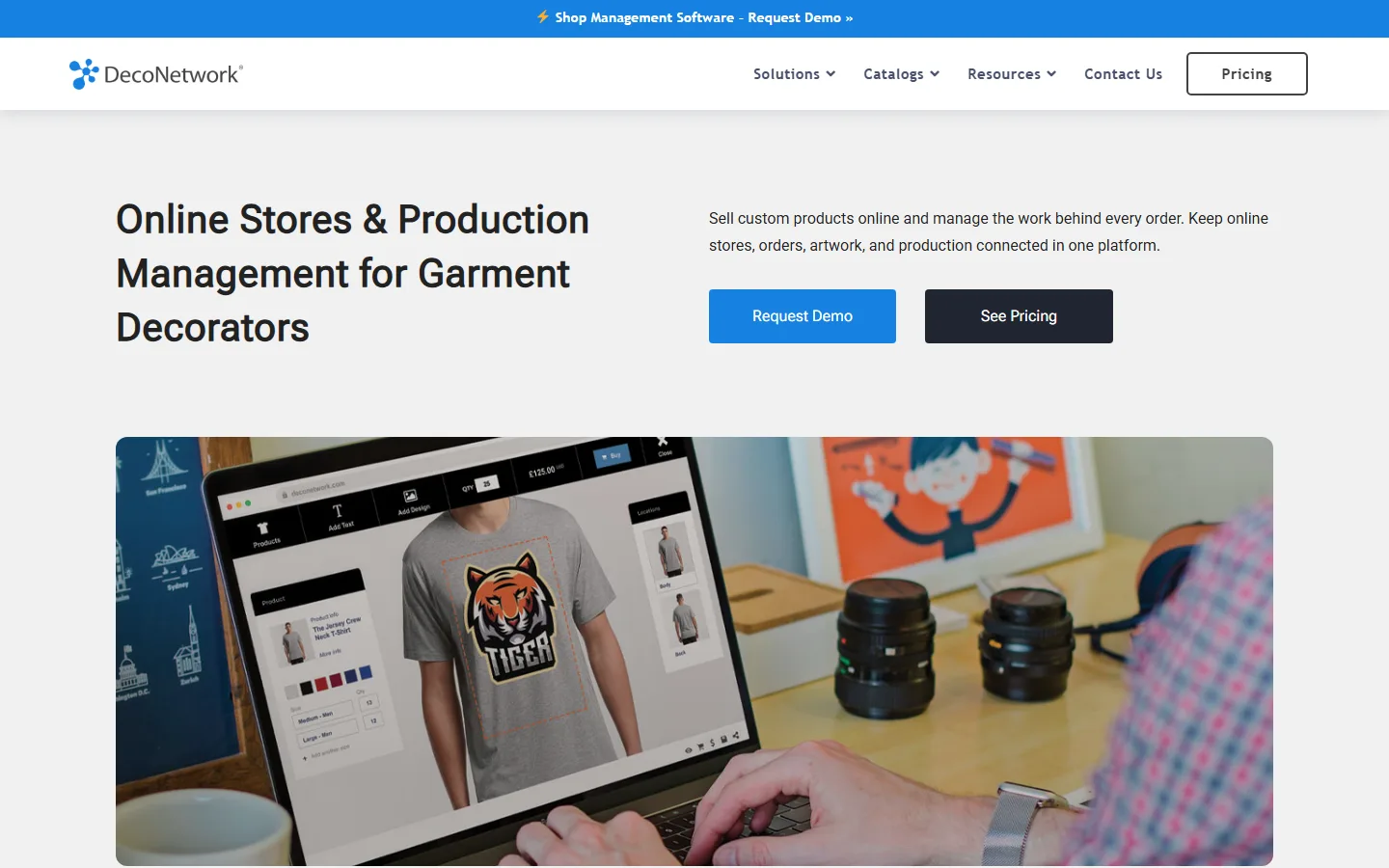 DecoNetwork's home page, as it looked on 29 September 2026.
Price: Standard 239 a month, Premium 339, Enterprise 439, plus a one-time licence fee the page does not state. The page localises currency; it showed euros when checked (checked 2026-09-29 on DecoNetwork's pricing page).
Pros:
- Approvals, webstores, the online designer and production in one system.
- Embroidery integration with Wilcom.
- Actively developed.
Cons:
- A steep learning curve.
- Reviewers report shallow support and slow data entry.
- Reviewers report large price increases for existing customers.
Capterra: 3.9 from 24 reviews.
Ordant
 Ordant's proofing module page, as it looked on 29 September 2026.
Price: Essential $295 a month for 5 users, Professional $495 for 10. Print proof approval is an optional add-on on every tier, priced on request (checked 2026-09-29 on Ordant's pricing page).
Pros:
- Automatic approval emails with due dates; approvers comment and annotate, one proof or all at once.
- Support rated exceptionally by reviewers.
- Highly customisable, with QuickBooks and Slack integrations.
Cons:
- Proofing costs extra on top of a $295 minimum.
- A learning curve at setup.
- Occasional bugs and some inflexible form fields.
Capterra: 4.9 from 31 reviews.
Web-to-print and prepress portals
Built for commercial and packaging printers whose approval step lives inside a storefront or a RIP workflow. All four are sold by quote.
- OnPrintShop — web-to-print with a design-proofing module from its Platinum Startup tier upward (not Basic). Support is praised; setup, especially pricing logic, is long. Capterra 4.6 from 60 reviews.
- Kodak PRINERGY InSite Portals — page-level approval wired into the Prinergy workflow. Requires Prinergy, and customers log in. Enterprise licensing.
- Esko WebCenter — artwork management for packaging and label converters and consumer brands, with regulated audit trails. No trial.
- PrintXpand artwork approval — a module of the PrintXpand MIS: login-free links, timestamps, IP logging and version locking.
If you run one of these, your approval question is already answered by your workflow vendor. If you are a sign, wrap or promo shop, none of them is built for you.
Side by side
| Tool | Type | Entry price with approval | Grows with | Customer approves with |
|---|---|---|---|---|
| Proofavo | Standalone | Free; $29.90/month | Nothing (flat) | Link, no account |
| PrintProof | Standalone | $7.48/mo | Proofs (Solo) | Typed name + signature pad |
| Proof Approve | Standalone | Free; $12/mo | Sends | Typed full name |
| ApproveTrail | Standalone | Free; £10/mo | Nothing (flat) | Link, no signup |
| ProofStuff | Standalone | $112/mo | Proof volume | Online sign-off |
| shopVOX | Suite | $109/mo + $29/user | Users | Link, one button |
| Printavo | Suite | $244/mo (Standard) | Tier (users) | Approve button |
| PrinterFlo | Suite | $179/mo | Nothing (flat) | Link, per line item |
| DecoNetwork | Suite | 239/mo + licence | Tier | Emailed approval form |
| Ordant | MIS | $295/mo + add-on | Tier (users) | Emailed approval |
| OnPrintShop | Web-to-print | Quote | — | — |
| Kodak InSite | Prepress portal | Quote | — | Login |
| Esko WebCenter | Packaging | Quote | — | Login |
| PrintXpand | MIS module | Quote | — | Link, no login |
All prices checked 2026-09-29 against the vendor's own page, monthly billing, before tax. Prices move, and the cheapest paid tier is not always the one that includes approvals — Printavo's is the example on this page.
Choosing by the shape of your shop
You already run a shop-management suite. Use its approval before you buy another tool, and check the tier. A second system for one step only pays off when the suite's proofing is the thing your customers complain about.
You run on email and spreadsheets and are not shopping for a suite. A standalone tool. Decide on what grows the bill: per-send and per-proof pricing are cheapest at low volume and punish revisions; a flat price does not care how many rounds a job takes.
You decorate apparel. PrintProof's mockups are purpose-built for it. The approval record is the other half: whichever tool you pick, check that approval is locked to the version the customer saw.
You make signs, wraps or flat print. Mockups matter less than the record, because the dispute is about a measurement or a spelling, not a garment colour. Our sign shop and vehicle wrap pages go into what that record needs to show.
You are a commercial or packaging printer on Prinergy or Esko. Ask your workflow vendor first.
If proofing is not obviously the first software to buy, the rest of the stack — MIS, web-to-print, estimating — is in our guide to print shop software. The shorter overview of the whole category is online proofing software.